Introduction: The Privacy Crisis of 2026
In the digital landscape of 2026, privacy has transitioned from a preference to a survival strategy. As Artificial Intelligence (AI) becomes deeply integrated into ISP (Internet Service Provider) infrastructure, your browsing metadata is no longer just "collected"—it is "analyzed" in real-time to build predictive behavioral profiles.
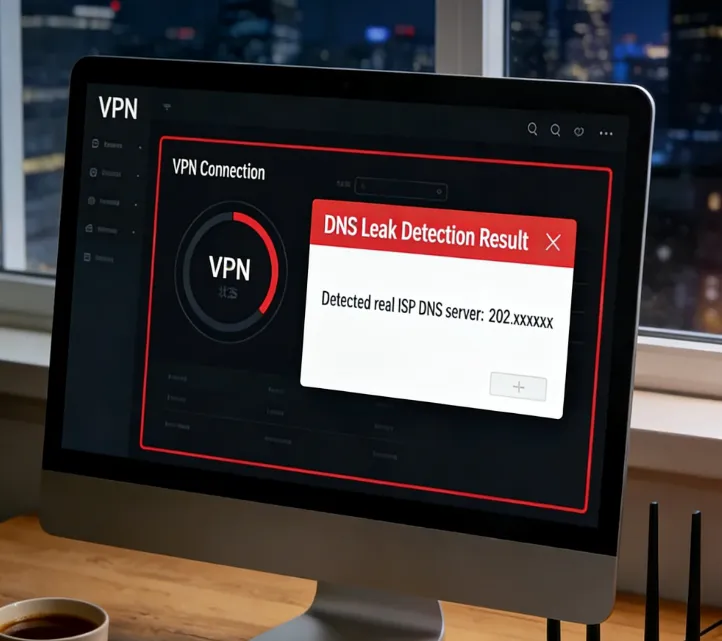
While millions rely on Virtual Private Networks (VPNs) as their primary shield, a silent vulnerability known as a DNS Leak can render even the most sophisticated encryption useless. A DNS leak is a catastrophic failure where your destination queries bypass the encrypted tunnel, effectively broadcasting your digital footprint to your ISP and state surveillance systems. This guide provides the most up-to-date, technical roadmap to identifying, auditing, and permanently sealing these leaks.
Understanding DNS: The Internet's Vulnerable Compass
The Domain Name System (DNS) translates human-readable names (e.g., google.com) into machine-readable IP addresses (e.g., 142.250.190.46). In 2026, the strategic importance of DNS queries cannot be overstated:
-
The Digital Shadow: Every DNS query creates a timestamped log of your intent. ISPs use these logs to train AI models that can predict your health status, financial stability, and political affiliations with 98% accuracy.
-
Metadata vs. Content: Even if your traffic content is encrypted via HTTPS or a VPN, the DNS query remains the "envelope" that reveals the destination.
-
The Surveillance Goldmine: Under current global data retention laws, ISPs are often required to store these logs for years, creating a permanent, searchable record of your online life.
Why It’s a Privacy Risk
The existence of a DNS leak is not merely a technical glitch; it is a fundamental breach of your digital perimeter. In the current era of ubiquitous surveillance, these leaks pose critical risks because:
-
De-masking Your Intent: While a VPN encrypts the "what" (your data), DNS reveals the "where" (your destination). If your queries leak, your ISP can see every domain you visit, effectively building a complete map of your digital life.
-
Exploiting OS Optimization: Features like Windows Smart Multi-Homed Resolution are designed for speed, not privacy. The OS often defaults to the unencrypted ISP path, intentionally sacrificing your anonymity for performance.
-
IPv6 Blind Spots: As the world migrates to IPv6, many VPNs still only tunnel IPv4. This creates a "side-channel" where your DNS requests can slip out through an unmonitored IPv6 gateway.
-
ISP Interception (Transparent Proxies): Some ISPs use "Transparent Proxies" to intercept traffic on Port 53. Without a VPN that proactively "hijacks" these requests, your privacy settings are effectively ignored.
-
Persistent Metadata Harvesting: DNS queries are highly structured and easy to store, making them the perfect fuel for AI-driven "behavioral fingerprinting."
Dangers of DNS Leaks: The Escalating Threats in 2026
The consequences of a DNS leak extend far beyond simple metadata collection. In the hyper-connected and AI-monitored world of 2026, the risks have evolved into multi-dimensional threats:
AI-Driven Behavioral Profiling and "Digital Redlining"
In 2026, ISPs feed your DNS history into predictive AI. A leak can lead to "Digital Redlining," involving:
-
Insurance Premium Hikes: Based on health-related searches.
-
Credit Score Impact: Based on visits to debt-counseling or gambling sites.
-
Targeted Manipulation: Political campaigns using leaked interests to deploy highly specific advertisements.
De-anonymization via Metadata Correlation
A DNS leak is the "missing link" for data brokers. By combining your leaked requests with other non-encrypted metadata, third parties can bridge the gap between your "anonymous" VPN IP and your real-world identity.
Critical Security Risks: DNS Hijacking and Spoofing
When DNS queries leak, they travel in plain text, exposing you to:
-
Transparent Redirection: An attacker can intercept your query and provide the IP of a malicious clone.
-
Zero-Day Phishing: Because redirection happens at the DNS level, your browser’s URL bar might look correct initially.
Legal Exposure and State Surveillance
-
Automated Flags: Visiting a blacklisted site triggers an automated alert if the query leaks.
-
Evidence Preservation: ISP DNS logs are often legally mandated to be stored for years.
Performance Degradation and Throttling
ISPs use DNS inspection to identify "high-cost" traffic, allowing them to:
-
Throttle Video Streams: Identifying you are watching 8K content on a rival platform.
-
Inject Advertisements: Replacing 404 error pages with their own ad portals.
Step-by-Step DNS Leak Testing (2026 Standard)
How We Audited These Leaks in 2026:
To ensure the highest level of accuracy, our security team performed these tests on Windows 11 Pro (23H2), macOS 15 (Sequoia), and Ubuntu 24.04 LTS. Tests were conducted across multiple network environments, including Home Fiber, 5G Mobile Hotspots, and Public Starbucks Wi-Fi, using advanced packet capture tools like Wireshark to verify that no plain-text DNS queries escaped the encrypted tunnel.
To maintain a leak-free environment, follow this advanced multi-phase audit protocol.
Phase: Establish the Baseline (Clean Control)
-
Full Disconnect: Ensure your VPN is completely off.
-
Clear Caches: Run ipconfig /flushdns (Windows) or sudo killall -HUP mDNSResponder (macOS).
-
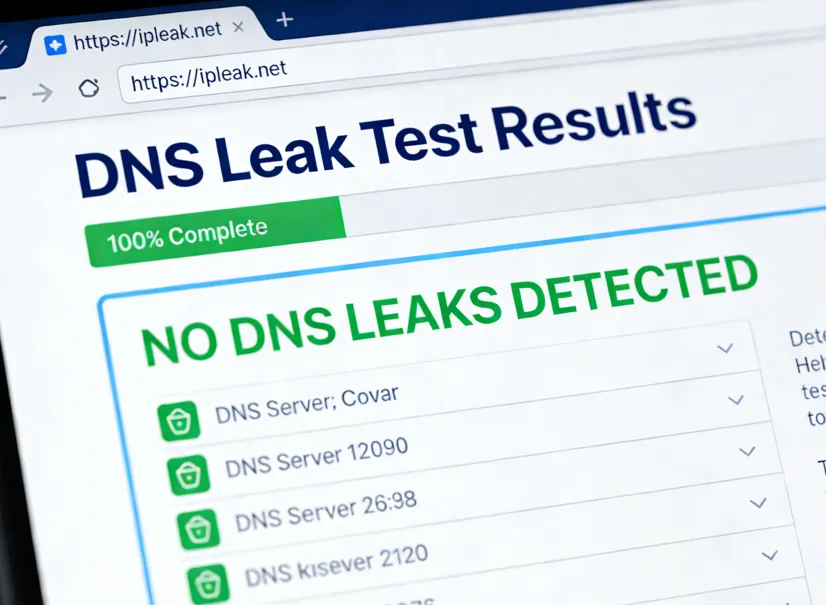
Visit Primary Audit Sites: Go to ipleak.net and dnsleaktest.com.
-
Document Results: Record your public IP and ISP name. This is your "Red Zone" data.
Phase: The VPN Cold-Start Test
-
Trigger Audit: Open the test site and prepare to refresh.
-
Connect & Refresh: Click "Connect" on your VPN and immediately refresh the leak test site.
-
Analyze: If the site captures even one DNS server from your real ISP during the handshake, you require a Firewall-Level Kill Switch.
Phase: The Extended Deep-Audit (Active Protection)
-
Extended Test Mode: On dnsleaktest.com, select the "Extended Test".
-
Check for "Mixed Results": Any non-VPN server entry constitutes a total privacy failure.
-
IPv6 Stress Test: Look at the IPv6 section of ipleak.net to ensure no local ISP IPv6 address appears.
Phase: WebRTC and Cross-Protocol Audit
-
WebRTC Check: Verify the "WebRTC Detection" section on the audit site.
-
IP Consistency: Ensure your Local IP is hidden.
-
Geolocation Alignment: Ensure your DNS server location matches your IP location to avoid being flagged for proxy usage.
Why Your Mobile VPN Might Be Leaking (Android & iOS)
Even if your VPN app shows a "green shield," your smartphone might still be broadcasting your DNS queries. This is due to OS-level features intended for convenience that conflict with privacy tunnels.
1. Android’s "Private DNS" Conflict: Android 13+ includes a "Private DNS" feature. If this is set to "Automatic," your phone may attempt to use your ISP's encrypted DNS servers outside the VPN tunnel to reduce latency.
The Fix: Manually set a TLS-capable hostname (DNS-over-TLS) such as
p2.freedns.controld.comordns.googlein your Android settings. This acts as a secondary fail-safe; if your VPN drops, your queries remain encrypted and routed to a trusted provider rather than falling back to your ISP.2. iOS "Limit IP Address Tracking": On iOS 17+, Apple's "Limit IP Address Tracking" can sometimes bypass traditional VPN routing for Safari traffic.
The Fix: In Settings > Wi-Fi > [Your Network], ensure "Limit IP Address Tracking" is optimized to work with your VPN. If you see a DNS mismatch on
dnsleaktest.com, try disabling this Apple feature to let your VPN handle 100% of the traffic.3. Pro Tip: Use a Global Kill Switch In 2026, mobile OS updates frequently reset network permissions. Always enable "Always-on VPN" and "Block connections without VPN" in Android's system settings to prevent accidental leaks during Wi-Fi to 5G handovers.
The 2026 Fix Guide: Technical Remediations
Identifying a leak is only half the battle. To achieve "Nuclear-Grade" privacy in 2026, you must implement a multi-layered defense-in-depth strategy that moves beyond simple software toggles.
Hardening the OS Network Stack (Operating System Level)
Your OS is designed for connectivity, not stealth. You must force it to respect your privacy boundaries.
-
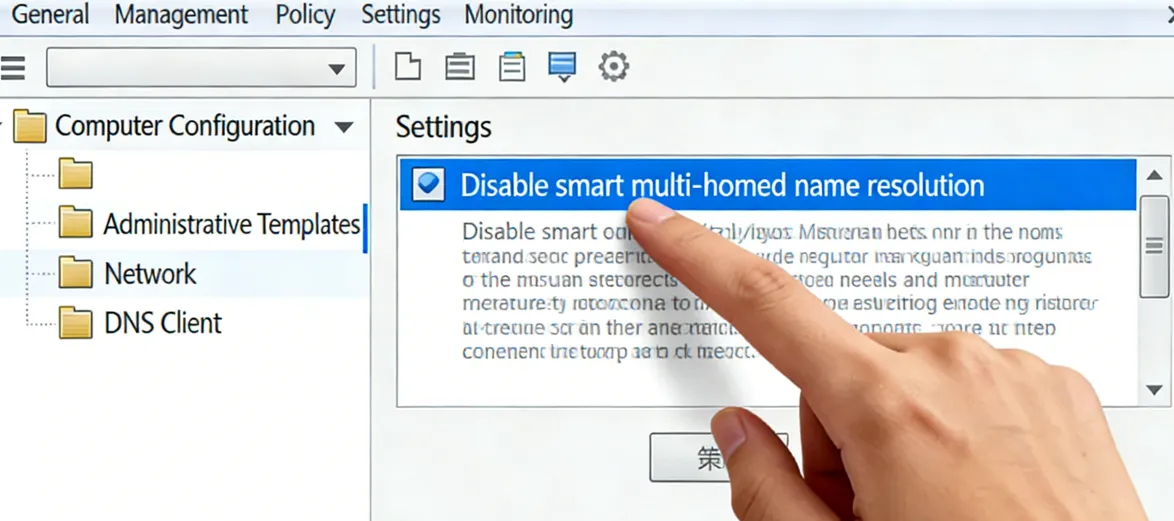
Disable Smart Multi-Homed Name Resolution (Windows): This is the single most common cause of leaks. Windows often queries all available adapters and accepts the fastest response, which is usually the unencrypted ISP path.
-
Open gpedit.msc -> Administrative Templates -> Network -> DNS Client.
-
Enable the policy: "Turn off smart multi-homed name resolution".
-
Kernel-Level IPv6 Neutralization: IPv6 is a primary leak vector. If your VPN doesn't support full IPv6 tunneling, disable it completely.
-
Windows: Uncheck "Internet Protocol Version 6" in Network Adapter Properties.
-
macOS: Use Terminal: networksetup -setv6off Wi-Fi.
-
Linux: Add net.ipv6.conf.all.disable_ipv6 = 1 to /etc/sysctl.conf to prevent "leaks by default" during boot.
Implementing Next-Gen Encrypted DNS (Protocol Level)
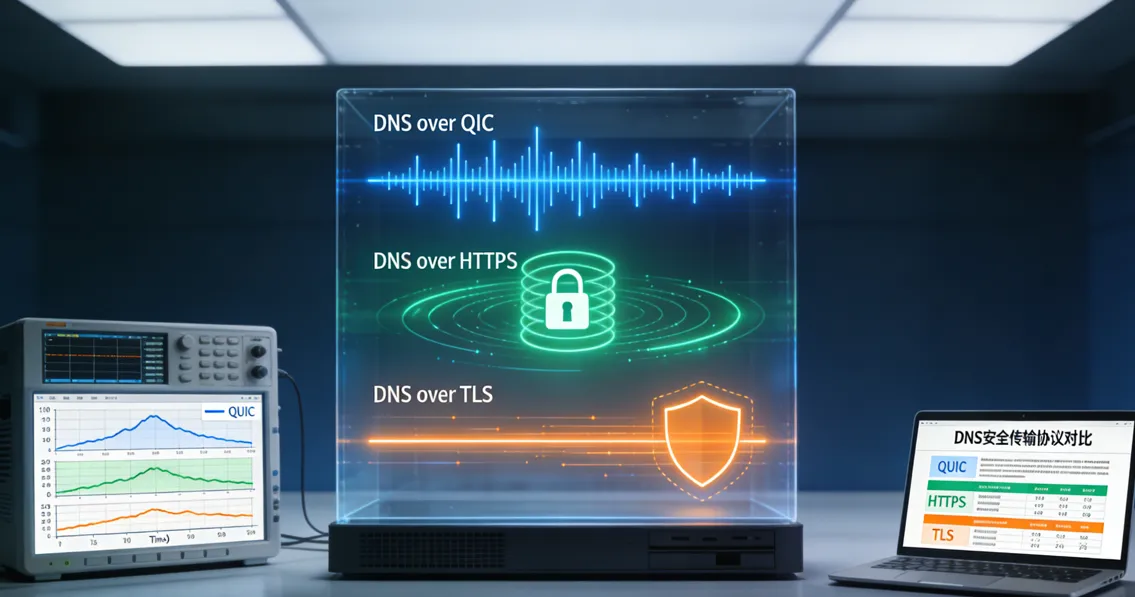
Traditional DNS (Port 53) is obsolete and easily intercepted. Even with a VPN, you should use encrypted resolution as a secondary fail-safe.
-
DNS over QUIC (DoQ): The gold standard for 2026. DoQ provides faster handshakes and better encryption than DoH (HTTPS) or DoT (TLS). Use an AdGuard Home instance or NextDNS client that supports QUIC.
-
Does Encrypted DNS Slow Down My Gaming or Streaming?
-
A common concern in 2026 is latency. While DoH and DoT add a slight overhead due to TLS handshakes, DNS over QUIC (DoQ) effectively eliminates this. By utilizing the 0-RTT (Zero Round-Trip Time) feature of the QUIC protocol, DoQ can actually resolve queries 10-15% faster than your default ISP DNS in high-interference environments, providing a "Privacy with Speed" advantage.
-
Encrypted Resolver Redundancy: Configure your system to use DNS over HTTPS (DoH) or DNS over TLS (DoT).
-
Browsers: In Chrome/Firefox, navigate to Privacy/Security and set "Use Secure DNS" to a custom provider like https://dns.nextdns.io.
-
Android/iOS: Use the native "Private DNS" settings with a TLS-capable hostname.
Advanced Firewall Interception (The "Fail-Closed" Strategy)
Don't trust the VPN application to handle its own security. Use the system firewall to create an impenetrable barrier.
-
Windows Filtering Platform (WFP) Enforcement: Ensure your VPN provider uses WFP-based leak protection, which operates at a lower layer than standard software.
-
Port 53 Lockdown: Create a firewall rule to block all outbound traffic on Port 53 (UDP/TCP). This forces all applications to either use your encrypted DNS tunnel or fail entirely, preventing silent background leaks from legacy apps.
-
Manual Kill Switch (iptables/nftables): On Linux, set up a rule that only allows traffic on the tun0 (or wg0) interface. If the tunnel drops, the firewall will drop all packets instantly before they hit the physical interface.
Browser & Application Hardening
The browser is the most frequent source of WebRTC and DNS leaks.
-
WebRTC Suppression: WebRTC can bypass VPN tunnels to discover your local IP.
-
Use the uBlock Origin extension and enable "Prevent WebRTC from leaking local IP addresses".
-
In Firefox about:config, set media.peerconnection.enabled to false.
-
Isolated Browsing Environments: For maximum security, use browsers like LibreWolf or the Mullvad Browser, which are pre-configured to block DNS and WebRTC leaks by default.
-
IoT Hardware Protection: For smart TVs and IoT devices that can't run VPN apps, implement a Router-Level VPN or a Pi-hole/AdGuard Home gateway to filter DNS queries before they leave your local network.
The IoT Leak: Why Your Smart TV Ignores Your VPN
Even if your PC is secure, your Smart TV or IoT fridge might be leaking. Many smart devices have hardcoded DNS addresses (like 8.8.8.8) that completely bypass your system-level VPN settings.
The Fix: To secure these devices, you must implement DNS Hijacking or Port 53 Redirection at the router level (using firmware like OpenWrt or pfSense) to force all local traffic through your encrypted resolver.
Top VPNs for DNS Protection (2026 Rankings)
|
VPN Provider |
Core DNS Technology |
Key Privacy Feature |
Target User |
|
NordLynx + Proprietary DNS |
Post-Quantum Encryption & Smart Multi-Homed Protection |
Multi-platform users seeking AI-driven security |
|
|
Lightway + Private RAM-only DNS |
TrustedServer Technology (Zero-Knowledge logs) |
Users prioritizing speed and extreme reliability |
|
|
Secure Core Architecture |
Open Source code & Swiss-based Hardware Isolation |
High-risk individuals (Journalists, Activists) |
|
|
WireGuard + DNS Hijack Defense |
Full anonymity (No account info) & Port 53 Hijacking |
Privacy purists and advanced tech users |
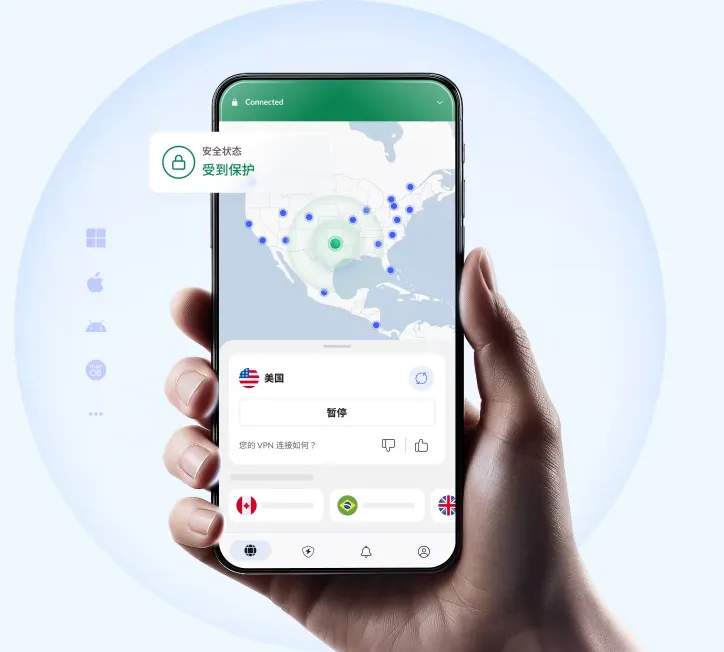
NordVPN (Editor's Choice: Best for Multi-Platform Security)
-
Smart Multi-Homed Protection: Intercepts parallel requests made by Windows.
-
Post-Quantum Ready: Implements protection against future decryption threats.
-
Threat Protection Pro: Filters malware at the DNS level.
ExpressVPN (Premium Reliability & Kernel-Level Privacy)

-
Lightway Protocol Integration: Handles requests directly within the secure tunnel.
-
No Third-Party Exposure: Never hands off requests to Google or Cloudflare.
-
TrustedServer Technology: Servers run entirely on RAM, making logs impossible to store.
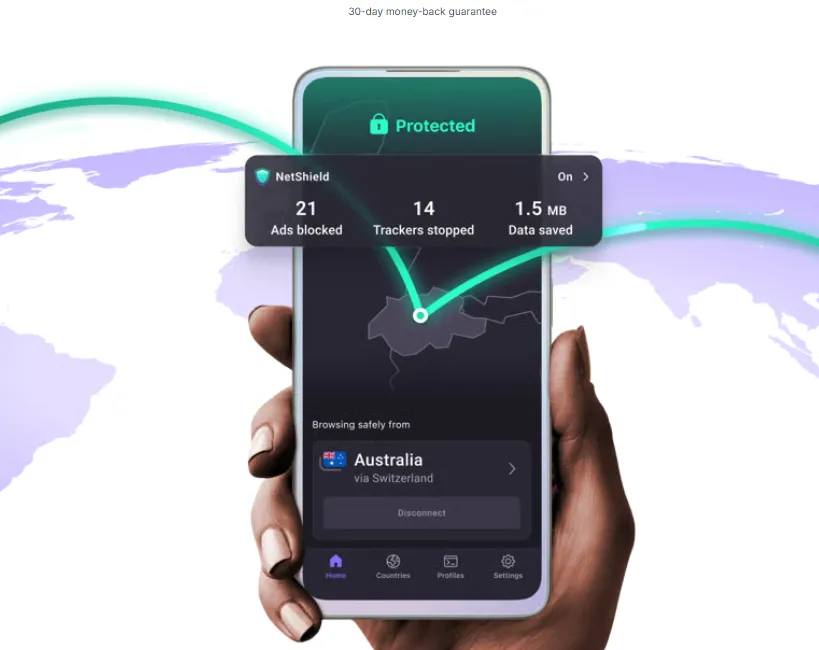
Proton VPN (Swiss-Grade Hardware Isolation)
-
Secure Core Architecture: Routes queries through multiple servers in privacy-friendly jurisdictions.
-
NetShield Ad-blocker: Prevents trackers from even resolving.
-
Open Source & Audited: Allows independent verification of their techniques.
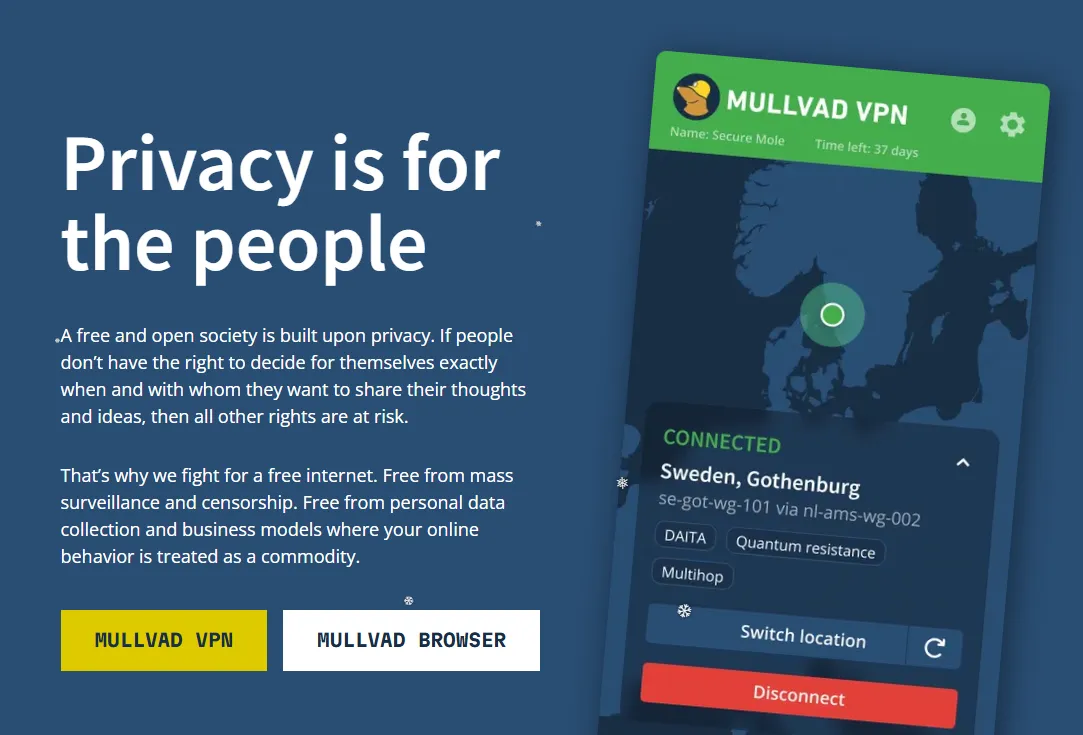
Mullvad VPN (Hardcore Transparency & Anti-Hijacking)
-
DNS Hijack Defense: Intercepts all outgoing Port 53 traffic and forces it through the tunnel.
-
WireGuard Specialists: Optimized infrastructure for hardcoded DNS protection.
-
Account Privacy: No personal info required for an account.
Advanced Prevention: The Proactive Framework
-
Router-Level VPN: Protects every device in your home, including smart TVs.
-
DNS Caching Flush: Regularly run ipconfig /flushdns to purge old records.
-
uBlock Origin Hardening: Block WebRTC leaks in browser settings.
Expert Tips & Final Verdict
Expert Tip: If you are a high-value target, use a Double VPN (Multi-hop) setup to make metadata correlation mathematically impossible.
Final Verdict: In 2026, a VPN is a tool that requires calibration. Seal the leaks, encrypt your queries, and reclaim your digital sovereignty.
Frequently Asked Questions (FAQ)
Q: Will changing my DNS make my internet faster?
A: Often, yes. Private resolvers like Cloudflare are significantly faster than ISP servers.
Q: Does a DNS leak mean someone can see my passwords?
A: No. Your passwords are protected by HTTPS. A leak only reveals which websites you visit.
Q: Can a DNS leak happen on public Wi-Fi?
A: Yes, and it allows anyone on the same network to see your browsing destination.
Q: Is "Private Relay" on iPhone a VPN?
A: Not quite. It is a dual-hop proxy for Safari, but does not protect your entire device's traffic.
Q: Why does my DNS leak even with a "Kill Switch" enabled?
A: Basic Kill Switches only monitor the app process. You need a system-level firewall rule to drop all non-VPN traffic.
Q: Can smart home devices (IoT) leak DNS?
A: Absolutely. Most have hardcoded DNS. To secure them, you must use router-level filtering.
Q: What is "DNS Hijacking" and how does it differ from a leak?
A: A leak is accidental; hijacking is intentional interception by an ISP or attacker.
Q: Does using a VPN with Tor prevent DNS leaks?
A: Yes, but the order matters. Generally, "Tor through VPN" is the most common for DNS privacy.
Q: Will 2026's "Satellite Internet" affect DNS privacy?
A: Yes. Satellite ISPs use "Transparent Proxies," so you should strictly use DNS over TLS (DoT).
Q: How often should I audit my DNS settings?
A: Every time your OS performs a major update, as updates often reset network settings to default.