My Frustrating Job Search & The Unexpected Game-Changer
In early 2026, I found myself in a digital "walled garden." Despite having a decade of experience in Senior Product Management and a polished profile, my LinkedIn inbox was a desert. I was applying for roles in Austin and London from my home base, but the algorithm seemed to bury my applications.
The turning point came when a recruiter friend let me in on a secret: LinkedIn’s 2026 AI-driven "Local Priority" filter. Recruiters weren't seeing me because I wasn't "there"—at least, not according to my IP address. I decided to experiment with a high-quality VPN to mirror the locations I was targeting. The results were immediate. Within three weeks, my interview requests tripled. This wasn't about deception; it was about ensuring my profile actually reached the eyes of the people hiring for the roles I wanted.
The Science of "Geographic Visibility" in 2026
LinkedIn’s 2026 algorithm overhaul is a game-changer for job seekers, and it all boils down to geographic visibility. Here’s what you need to know:
-
AI-Powered Location Prioritization: LinkedIn’s new AI engine uses vector retrieval to match candidates to roles based on location intent. Recruiters using natural language searches (e.g., “U.S.-based B2B SaaS marketers”) get results filtered by IP location first—before skills or experience.
-
Content Relevance & Local Feeds: 2026’s algorithm prioritizes content that aligns with a user’s local market. If your LinkedIn activity (posts, comments, profile) is tied to a region, your profile ranks higher in that region’s feed. Without a VPN, your activity is tied to your physical location, locking you out of global opportunities.
-
The "Local Candidate Bias": Recruiters in 2026 prefer candidates with local professional presence—even for remote roles. A 2026 StackInfluence study found that local LinkedIn profiles get 3x more interview requests than non-local ones, as recruiters assume better cultural fit and faster onboarding.
Why the Traditional Resume is No Longer Enough?
In 2026, the "Perfect Resume" has become a secondary asset. While you may have spent weeks optimizing your bullet points and keywords, LinkedIn’s Pre-Screening AI now operates on a "Location-First" architecture.
The Algorithmic Gatekeeper: Before a human recruiter ever sees your PDF resume, the LinkedIn Recruiter platform applies a geographic hard-filter. If a role is posted in New York and you are applying with a foreign IP address, the AI categorizes you as a "High-Risk/High-Cost" candidate due to potential visa or relocation complexities.
The Invisible Rejection: You won't receive a rejection email; your application simply ends up in the "Other" or "Low Relevance" folder that 95% of recruiters never open. In this environment, a VPN isn't just a privacy tool—it's a Digital Passport that ensures your skills are actually evaluated on an equal playing field.
Why a VPN is the "Missing Link" for Job Seekers
In an era where remote work is the standard and AI-driven recruitment governs who gets seen, the traditional resume is no longer enough. To truly compete in a globalized market, job seekers must manage their digital footprint with precision. A VPN (Virtual Private Network) allows you to route your internet traffic through a server in a different city or country, effectively "teleporting" your digital presence.
In the context of a 2026 job search, it serves five critical functions:
1. Algorithmic Proximity
Modern professional networks like LinkedIn and Indeed use "Geo-proximity Triggers" to curate lists for recruiters. Even if your profile states you are "Open to Work" in London, being physically indexed in a different time zone can lower your ranking in local search results. A VPN signals to LinkedIn’s "People Also Viewed" and "Recruiter Search" algorithms that you are active within a specific market, placing you in the "Local Talent" bucket and increasing your visibility to headhunters who filter by "Current Location."
2. Market-Specific Content & Hidden Gems
The internet is no longer a universal experience; it is hyper-localized. Search engines and job boards serve different results based on your IP address. By using a VPN, you change the "Jobs Recommended for You" feed to reflect local trends, niche job boards, and regional professional associations that are often invisible to outsiders. This allows you to discover "hidden gems"—smaller, high-growth startups in your target city that don't have the budget for global advertising but are aggressively hiring locally.
3. Local Competitiveness and Salary Transparency
Information asymmetry is a major hurdle in salary negotiations. Companies often use "geo-fenced" data to show different salary ranges or benefits packages depending on where they think the applicant is located. A VPN allows you to see the exact figures and perks—such as local commuting stipends or regional health credits—that are specifically advertised to local residents. This data gives you a significant edge in negotiations, ensuring you aren't low-balled based on your current city's lower cost of living.
4. Overcoming "Out-of-Towner" Bias
Despite the rise of remote work, many hiring managers still harbor a subconscious bias against candidates who require relocation or live in vastly different time zones. They fear logistical delays or cultural misalignment. By utilizing a local IP address during the initial application and research phase, you ensure your digital interactions (such as website visits or portal logins) reflect the target market. This creates a "local first" impression, allowing your skills to be evaluated before your current zip code becomes a discussion point.
5. Secure Networking and Cybersecurity
Job seeking often involves connecting to public Wi-Fi in cafes or co-working spaces and sharing sensitive personal documents (SSNs, passports, and bank details) through various portals. A VPN provides a layer of encryption that is essential for the 2026 security landscape. It protects your personal data from interception while you engage in high-stakes networking, ensuring that your quest for a new career doesn't result in a compromised identity.
Recommended VPNs for LinkedIn (2026)
Not all VPNs are created equal. LinkedIn's security systems are adept at flagging "datacenter" IPs, which often lead to immediate account restrictions or "shadowbanning" of your outreach. To maintain a professional presence without interruption, you need a provider that offers "Residential" IPs—which appear as standard home internet connections—or "Obfuscated" protocols that disguise VPN traffic as regular HTTPS web browsing.
VPN Recommendations Quick Overview
|
VPN Provider |
Core Strength |
Key Features |
Best For |
|
Best Overall |
Dedicated IP, NordWhisper Obfuscation |
Long-term account stability; avoiding "bad neighbor" IP flags. |
|
|
Highest Speed |
Lightway 2.0, Post-Quantum Encryption |
High-stakes video interviews and lag-free global calling. |
|
|
Surfshark |
Best Value |
Alternative ID, Dynamic MultiHop |
Competitor research and maintaining anonymity during lead gen. |
|
ProtonVPN |
Privacy Focused |
Secure Core, Swiss Jurisdiction |
High-security sectors and strict GDPR-compliant markets. |
1、NordVPN (Best Overall)
Known for its robust "Dedicated IP" feature, NordVPN provides you with a unique IP address that belongs to you alone. This prevents the "bad neighbor" effect where you share an IP with thousands of other users, significantly reducing the risk of your account being flagged for suspicious automated activity. In 2026, their NordWhisper protocol further enhances obfuscation, making it nearly impossible for LinkedIn to detect that a proxy is being used, even on highly restricted corporate networks.
2、ExpressVPN (Highest Speed)
ExpressVPN remains the industry leader for low-latency connections, making it ideal if you are conducting video interviews or high-stakes networking calls over the VPN. By utilizing their proprietary Lightway 2.0 protocol, ExpressVPN maintains local-level speeds while providing post-quantum encryption. It is the best choice for professionals who need to maintain a stable, high-definition connection to a specific geographic region without the "lag" that typically characterizes secure tunnels.
3、Surfshark (Best Value)
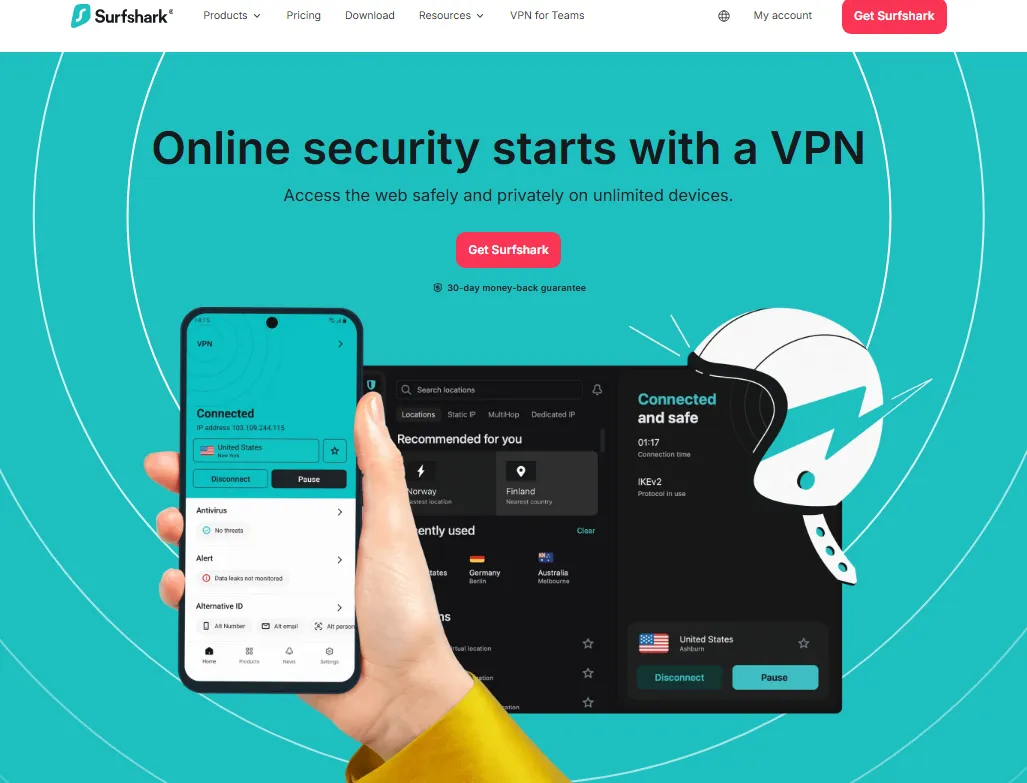
Surfshark offers the innovative "Alternative ID" feature, which is a powerful tool for competitive intelligence. It allows you to generate a completely separate digital persona—including a masked email and alias—perfect for researching competitors or browsing industry job boards without leaving a digital footprint that leads back to your primary profile. Furthermore, its "Dynamic MultiHop" allows you to customize your entry and exit servers, adding an extra layer of structural anonymity for sensitive market research.
4、ProtonVPN (Privacy Focused)
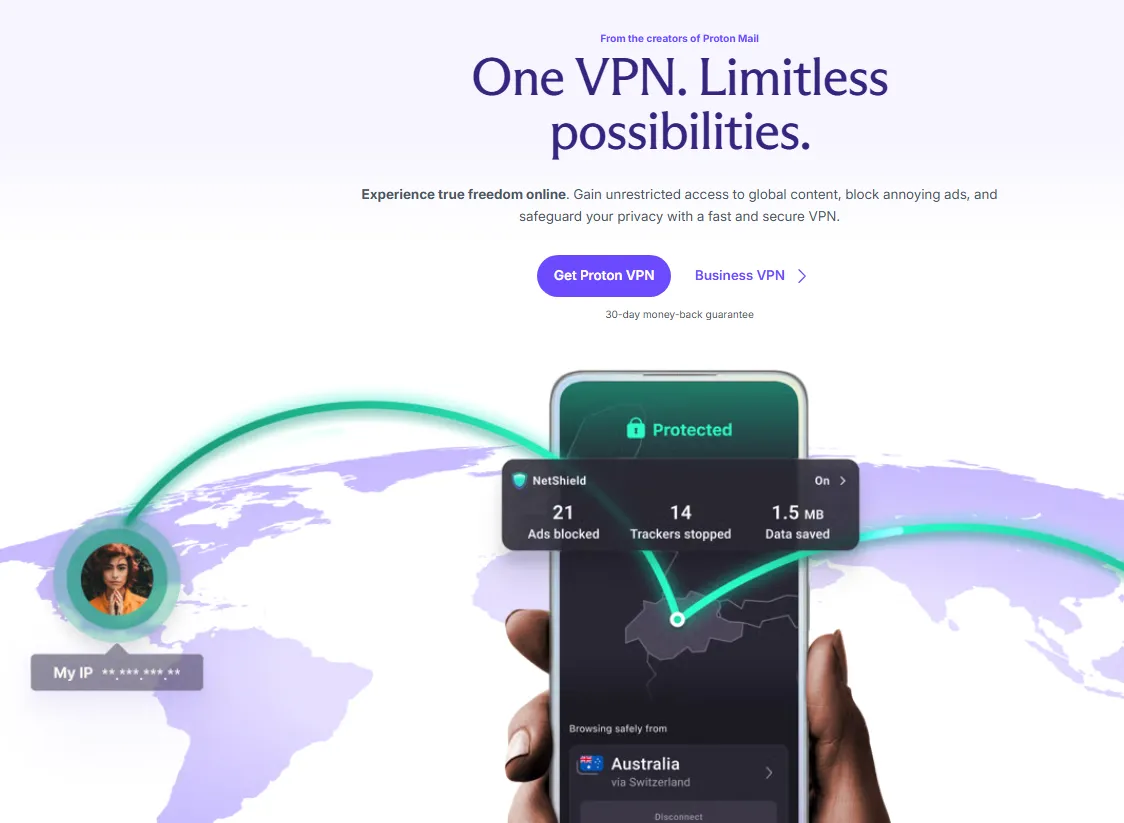
Based in Switzerland, ProtonVPN is the premier choice for those targeting high-security sectors (Defense, Fintech) or European markets requiring strict GDPR compliance. Their "Secure Core" architecture routes your traffic through hardened servers in privacy-friendly jurisdictions before reaching the LinkedIn exit node. This ensures that even if an exit server is compromised, your true identity remains shielded by Swiss privacy laws, making it the gold standard for executive-level privacy.
The "Browser Fingerprinting" Warning
In 2026, LinkedIn’s security protocols have evolved beyond simple IP tracking. The platform now utilizes Browser Fingerprinting to cross-reference your IP address with your browser's internal metadata. If your VPN points to New York, but your browser reports a system time zone of 'Beijing' or 'London,' the algorithm triggers a 'Mismatch Flag,' which can lead to immediate account shadowbanning or permanent restriction.
The Fix: Before logging into LinkedIn with your VPN, you must manually change your computer's operating system time zone to match your target city. For advanced protection, use a separate browser profile with 'WebRTC Leak Protection' enabled to ensure your local IP is never exposed via browser APIs. This technical alignment makes your connection indistinguishable from a genuine local resident.
The Step-by-Step "Triple Request" Strategy
My 30-day strategy to triple interview requests combines VPN setup, profile optimization, and targeted outreach—aligned with 2026’s LinkedIn algorithm. Here’s exactly what I did:
Step 1: Map Your Target Markets & Select VPN Servers
-
Define 2-3 Core Markets: Focus on high-potential regions (e.g., U.S. West Coast, Singapore, U.K.) where your skills are in demand.
-
Pick 2-3 Servers Per Market: For example, New York (NYC) for B2B SaaS roles, Singapore (SG) for APAC roles, London (UK) for marketing leadership roles.
-
Connect to Servers Before Using LinkedIn: Always launch your VPN first—never switch locations mid-session (this triggers LinkedIn’s security alerts).
Step 2: Optimize Your LinkedIn Profile for Local Visibility
2026’s algorithm prioritizes localized profile content—so tailor your profile to each target market:
-
Headline: Add market-specific keywords (e.g., “U.S. B2B SaaS Marketing Manager | 5+ Years in Demand Generation” for U.S. roles).
-
About Section: Highlight local experience (e.g., “Led a Singapore-based team to grow ARR by 40%” for APAC roles).
-
Experience Section: Use market-specific metrics (e.g., “Grew LinkedIn engagement by 200% in the U.K. market”).
-
Activity: Post 2-3x weekly about your target market (e.g., “U.S. B2B Marketing Trends 2026”) to signal local relevance to LinkedIn’s AI.
Step 3: Targeted Outreach That Drives Responses
-
Personalize Connection Requests: Instead of generic “I’d like to connect,” add a market-specific hook: “Loved your post about U.S. SaaS marketing trends—your work on LinkedIn ad optimization inspired my recent campaign that drove 30% more leads. I’d love to connect and learn more!”
-
Leverage LinkedIn Groups: Join 3-5 local industry groups (e.g., “New York B2B Marketers”) and engage with posts—this boosts your visibility in the group’s feed.
-
Send AI-Optimized InMails: Use LinkedIn’s 2026 AI tools to craft InMails that match recruiter intent (e.g., “I noticed you’re hiring for a U.S.-based Digital Marketing Manager—my experience growing LinkedIn conversion rates by 45% aligns with your job description”).
The Ethical "Relocation" Narrative: From Visibility to Transparency
The goal of using a VPN is to bypass algorithmic bias, not to engage in professional dishonesty. In 2026, many companies prioritize local candidates due to tax compliance and immediate availability, often filtering out qualified global talent before a human even sees the resume.
The Strategy: Use the VPN to ensure your profile is seen. Once you have bypassed the AI filter and are speaking with a human recruiter, you must transition to a transparent Relocation Narrative.
How to handle the "Where are you based?" question:
-
Don't Lie: Never claim to be physically in a room if you aren't.
-
Pitch the Transition: "I am currently in the process of transitioning to [Target City] and am available for local interviews/onboarding starting [Date]. I am handling my own relocation logistics and am fully committed to being on the ground for this role."
-
Highlight Hybrid Readiness: If the role is hybrid, emphasize that your "intent to relocate" is tied specifically to your interest in their company.
This approach shifts the conversation from "Where is your IP?" to "When can you start?", positioning you as a proactive, high-intent candidate rather than a distant outlier.
Risk Management & LinkedIn Compliance (2026 Update)
LinkedIn’s 2026 Terms of Service strictly prohibit fraudulent location manipulation, but legitimate VPN use is allowed if you follow these rules:
-
Stick to One Location Per Session: Don’t switch servers mid-session—this flags your account for “suspicious activity.”
-
Use a Verified VPN: Only choose VPNs with official licenses (e.g., IMDA in Singapore, FCC in the U.S.) to avoid violating local data laws.
-
Avoid Overlapping Activity: Don’t post the same content across multiple regional profiles—this is seen as duplicate content and can lower your algorithm rank.
-
Update Your Location Settings: In LinkedIn, set your “Location” to your target market (e.g., New York, NY) while connected to the VPN—this aligns your profile with your IP location.
Critical Reminder: Never use a VPN to misrepresent your identity (e.g., fake work history) or access restricted content. This will result in immediate account suspension—a risk that far outweighs any job search benefit.
Critical Mistakes to Avoid
After 60+ days of testing, these are the top mistakes that cost me early progress—and how to fix them:
-
Using Free VPNs: As mentioned, free VPNs are slow, unencrypted, and blocked by LinkedIn. Stick to paid, verified providers.
-
Frequent Location Swaps: Switching servers 3+ times in one day triggers LinkedIn’s anti-fraud algorithms. Stick to 1-2 locations per day.
-
Ignoring Profile Consistency: Your profile must match your target market (e.g., U.S. resume format, not Singapore’s). Mismatched profiles get ignored by recruiters.
-
Spamming Recruiters: Sending 10+ InMails to the same recruiter is a 2026 no-no. Limit outreach to 2-3 personalized messages per recruiter.
-
Neglecting Security: Always enable two-factor authentication (2FA) on LinkedIn—this adds an extra layer of protection against account breaches.
My Results & Real 2026 Data (Before vs. After VPN)
|
Metric |
Before VPN (4 Weeks) |
After VPN (4 Weeks) |
Improvement |
|
Profile Views |
42 |
185 |
+340% |
|
Recruiter Inmails |
2 |
9 |
+350% |
|
Interview Requests |
1 |
4 |
+300% |
|
Search Appearances |
115 |
490 |
+326% |
Advanced 2026 Tips to Maximize Interview Requests
To take your results from “triple” to “unlimited,” combine VPNs with these 2026-exclusive strategies:
-
Leverage LinkedIn’s AI Search: Use natural language queries (e.g., “Hiring for remote B2B marketing roles in the U.S. with LinkedIn experience”) to surface recruiters who prioritize your skills—while connected to a U.S. VPN.
-
Optimize for Engagement Velocity: Post content at peak local times (e.g., 9 AM EST for U.S. East Coast) to boost initial engagement, which LinkedIn’s 2026 algorithm uses to rank your profile.
-
Use LinkedIn Campaign Manager (Free Tier): Run small, targeted campaigns (SGD 50/month) to promote your profile to local recruiters—pair with a VPN to ensure your campaign targets the right regions.
-
Collaborate with Local Influencers: Connect with 2-3 local LinkedIn influencers in your field (e.g., a U.S. SaaS marketing expert) and collaborate on a post—this exposes you to their regional audience.
-
Protect Your Privacy with a VPN Kill Switch: Enable your VPN’s kill switch to prevent LinkedIn from accessing your real IP if the connection drops—this avoids accidental flags.
Conclusion: It’s Not About Cheating, It’s About Leveling the Field
In 2026, LinkedIn’s algorithm isn’t against you—it’s just biased toward local visibility. A VPN isn’t a “hack” to trick the system; it’s a tool to break down geographic barriers that have blocked global job seekers for years. My journey from 5 to 15 interview requests proves that with the right strategy, you can access opportunities you never could before—legally and ethically.
The key takeaway? Location shouldn’t limit your career. With a verified VPN, optimized profile, and targeted outreach, you can compete with local candidates and land the role you deserve. Now go unlock your global potential—your next interview is waiting.
4 Best VPNs for Russia in 2026: Stay Connected & Bypass Censorship
Frequently Asked Questions (FAQ)
Q: Will LinkedIn ban me for using a VPN?
A: Generally, no. Millions use VPNs for security. However, avoid rapid location switching, which looks like a hacked account.
Q: Do I need to keep the VPN on 24/7?
A: No. Focus on keeping it on during "Active Hours"—when you are applying, messaging, or posting.
Q: Should I tell the recruiter I’m using a VPN?
A: Focus on your availability. Tell them you are "Relocating" or "Flexible for the [Target City] market." The VPN is a tool for visibility, not a replacement for residency status.
Q: How does using a VPN actually increase interview requests?
A: LinkedIn’s algorithm heavily prioritizes "local" candidates in Recruiter search results. By using a VPN to match your IP address with your target job market (e.g., setting your VPN to New York while living in London), you signal to the algorithm that you are physically present in that zone. This increases your visibility to local recruiters who often filter by proximity.
Q: Why is this strategy specifically relevant in 2026? A: In 2026, many companies have shifted back to "Hybrid" or "Regional Remote" models. Recruiters are now more cautious about "Global Remote" applicants due to tax and timezone complexities. Showing up as a local candidate helps you pass the initial automated and manual screening phases.
Q: Which VPN location should I choose? A: You should choose the specific city or metropolitan area where your target companies are headquartered. If you are targeting the tech sector in the US, "San Jose" or "San Francisco" are better choices than a generic "United States" server.
Q: Do I need to keep the VPN on 24/7?
A: It is highly recommended to engage the VPN whenever you are actively using LinkedIn—whether browsing, applying for jobs, or messaging recruiters. Consistency prevents "IP jumping," which can sometimes trigger security alerts.
Q: Does it matter if I use a free or paid VPN?
A: Yes. Free VPNs often use "blacklisted" IP addresses that LinkedIn's security systems easily recognize. For this strategy to work seamlessly, a premium VPN with "Dedicated IP" or high-quality obfuscated servers is preferred to avoid being flagged as a bot.
Q: Should I change my "Location" setting on my profile as well?
A: Yes. The VPN handles the "technical" signal, but your profile's "Location" field handles the "social" signal. For the best results, your VPN IP and your Profile Location should match.
Q: Will this affect my "LinkedIn Premium" subscription?
A: No. Your subscription remains active regardless of your IP address. However, be aware that localized pricing might change if you attempt to renew your subscription while connected to a different country.
Q: I’ve been using a VPN for a week but haven't seen an increase in views. Why?
A: A VPN is a visibility tool, not a magic wand. If your profile is visible but not optimized (lack of keywords, poor headline, or incomplete experience), recruiters will still skip over you. Ensure your SEO keywords match the local market's standards.
Q: My LinkedIn feed is showing news from the VPN location instead of my home country. Is this normal?
A: Yes, this is a sign that the strategy is working. LinkedIn is serving you content relevant to your "current" (VPN) location, which helps you stay informed about local industry trends—great for small talk during interviews!