The digital landscape of 2026 offers more choices than ever, but at a higher cost. This guide is designed to help you navigate regional pricing and subscription sharing to minimize your digital footprint on your wallet while maximizing your audio experience.
Why Pay Full Price? The Hidden Streaming Cost Reality
Let’s start with the basics: why are streaming services so expensive in certain regions? If you’re in the U.S., Canada, Western Europe, or Australia, you’re likely paying the "premium market" price—Spotify Premium costs $10.99/month, Tidal HiFi costs $14.99/month, and even their student plans (when available) still hover around $5/month. Over a year, that’s $131.88 for Spotify alone, or $179.88 for Tidal—money that could go toward concerts, vinyl, or other music-related expenses. The hidden truth? Streaming services price their plans based on regional purchasing power, not the actual cost of providing the service. A user in India, Indonesia, or certain Latin American countries pays a fraction of what you do for the exact same features: ad-free listening, offline downloads, high-quality audio, and access to the full library. The average American overpays by 70–80% annually for streaming, simply because they’re locked into their local pricing tier. But here’s the kicker: you don’t have to move to another country to take advantage of these lower prices—you just need to know the safe, legitimate way to access them.
Understanding the Price Gap: Why it Costs $1 Elsewhere
As of early 2026, Spotify’s regional pricing continues to stand as the ultimate life hack for music fans, letting you unlock full premium streaming perks at a tiny fraction of the cost charged in high-price Western markets.
-
Nigeria: Spotify Premium’s individual plan comes in at approximately $1.05 per month, making it one of the most budget-friendly options for the platform’s premium service worldwide.
-
Egypt/India: For users in these regions, individual Spotify Premium pricing hovers steadily between $1.40 and $1.60 per month, granting complete access to all premium features without the steep price tag.
-
Turkey: The Spotify Family Plan— which covers up to 6 separate accounts with full premium benefits—costs roughly $3.80 a month total, splitting down to an incredible $0.63 per person for unlimited streaming.
Best of all, Spotify’s music catalog is 99% identical across every border, with no differences to global artist releases or top playlists. That means the roughly $1 you spend on a Premium subscription in Lagos delivers the exact same Taylor Swift studio albums, Kendrick Lamar tracks and chart-topping content as the $13 monthly fee you’d pay for the very same service in London.
Critical Pre-Requisite: Safety & Legitimacy First
Before diving into Spotify’s regional pricing hacks, it’s critical to understand the key risks first—platforms have significantly intensified their region-locking measures and security checks in 2026 to crack down on cross-region access.
-
Avoid "Lifetime" Accounts: Steer clear of purchasing so-called "lifetime" Spotify accounts from marketplaces like eBay or messaging platforms such as Telegram. These accounts are almost always stolen, hacked, or fraudulently created, and will get banned quickly.
-
Use Your Own Email: Stick to the safe method of setting up access with your own personal email and credentials. This ensures you never lose your curated playlists, saved tracks, and account progress if anything goes wrong.
-
Payment Verification: A major hurdle now is that most streaming platforms require a valid payment method issued in the target regional country to verify your account. We’ll walk through solving this exact issue using two reliable methods: Virtual Cards or Shared Slots.
The "Shared Family Plan" Strategy (The Easiest Method)
The most stable and completely hassle-free way to lock in Spotify Premium at the coveted $1/month price point is by joining a shared Family Plan Slot from a low-cost region.
-
Safety: This approach is widely regarded as one of the most secure options for accessing regional pricing, because every member on the plan is assigned their own fully private Spotify account with a unique personal password—your curated playlists, saved tracks, listening history, and all other personal account data remain entirely yours, fully separate from other members and never at risk of being shared or compromised.
-
Cost: Specialized dedicated platforms like GamsGo or Together Price streamline and automate the entire process, from matching you with verified, legitimate household heads in low-cost regions to managing monthly payments and plan access. These platforms charge a small, nominal service fee for their facilitation, and you’ll typically pay just $1.20–$1.50 per month in total for full, unrestricted Spotify Premium access with all the platform’s core features.
The $1/Month Safe Method Unlocked (Core Chapter)
This is the heart of the guide: the step-by-step method to get Spotify and Tidal for $1/month in 2026, with zero risk of bans or data theft. This method combines legitimate regional pricing with a safe VPN (not free!) and a valid local payment method—all compliant with streaming services’ terms of service (or as close as possible without breaking the rules). Let’s break it down for both Spotify and Tidal, since the steps are slightly different.
Step 1: Choose Your Low-Cost Region
For 2026, the best low-cost regions for Spotify and Tidal are: India (Spotify: ~$1.43/month, Tidal: ~$1.19/month), Indonesia (Spotify: ~$1/month, Tidal: ~$1/month), or Vietnam (Spotify: ~$1.20/month, Tidal: ~$1.05/month). We recommend India or Indonesia because they have the lowest prices and the easiest payment methods to set up for international users. Avoid regions like Russia, Turkey, or Iran—these have even lower prices but higher ban risks due to geopolitical tensions and stricter streaming service policies.
Step 2: Get a Safe, Paid VPN
A paid VPN is non-negotiable here—free VPNs are detected instantly by Spotify and Tidal, and they put your data at risk. We recommend NordVPN, ExpressVPN, or Surfshark (all work seamlessly with streaming services in 2026). Here’s what to do: 1) Sign up for a paid VPN (choose a 1-year plan for the best value—NordVPN costs ~$3/month); 2) Download the VPN app on your phone, computer, and any other device you use for streaming; 3) Connect to a server in your chosen low-cost region (e.g., Mumbai, India, or Jakarta, Indonesia); 4) Enable "Kill Switch" and "DNS Leak Protection" in the VPN settings—this ensures your real IP address never leaks, which would get you detected.
Step 3: Set Up a Valid Local Payment Method
This is the trickiest part, but it’s 100% legitimate. Streaming services require a payment method issued in the same country as your VPN server (e.g., an Indian credit card for an Indian Spotify plan). You don’t need to have a bank account in that country—instead, use a virtual prepaid card that works internationally. We recommend: For India: FreeCharge, Paytm, or MobiKwik virtual prepaid cards (you can buy these online with your regular credit/debit card for ~$5–$10); For Indonesia: OVO, GoPay, or Dana virtual cards (also available online). Here’s how to set it up: 1) Visit the website of the virtual card provider (e.g., Paytm); 2) Create a free account (you may need a local phone number—use a free online SMS verification service if you don’t have one); 3) Load the virtual card with enough money to cover 1–3 months of the streaming plan (e.g., $3 for 3 months of Spotify in Indonesia); 4) Save the virtual card details (card number, expiry date, CVV) for the next step.
Step 4: Sign Up for Spotify/Tidal (or Switch Your Existing Plan)
If you’re a new user: 1) Make sure your VPN is connected to your chosen region; 2) Visit Spotify.com or Tidal.com and click "Sign Up"; 3) Create an account (use your regular email—no need for a fake one); 4) Select the premium plan (choose the cheapest one—e.g., Spotify Premium Individual in Indonesia for $1/month); 5) Enter your virtual card details as the payment method; 6) Complete the sign-up process—you’ll be charged the local rate (~$1/month). If you’re an existing user (with a high-cost plan): 1) Cancel your current premium plan (don’t worry—you’ll keep access until the end of your billing cycle); 2) Connect your VPN to the low-cost region; 3) Log in to your Spotify/Tidal account; 4) Go to "Account Settings" and change your country/region to the one you’re connected to (you may need to enter a fake local address—use a random address generator for that country); 5) Sign up for the local premium plan using your virtual card; 6) You’re now paying ~$1/month—enjoy!
Top VPN Picks for Regional Subscription Savings
1. NordVPN – Best All-Around Performance
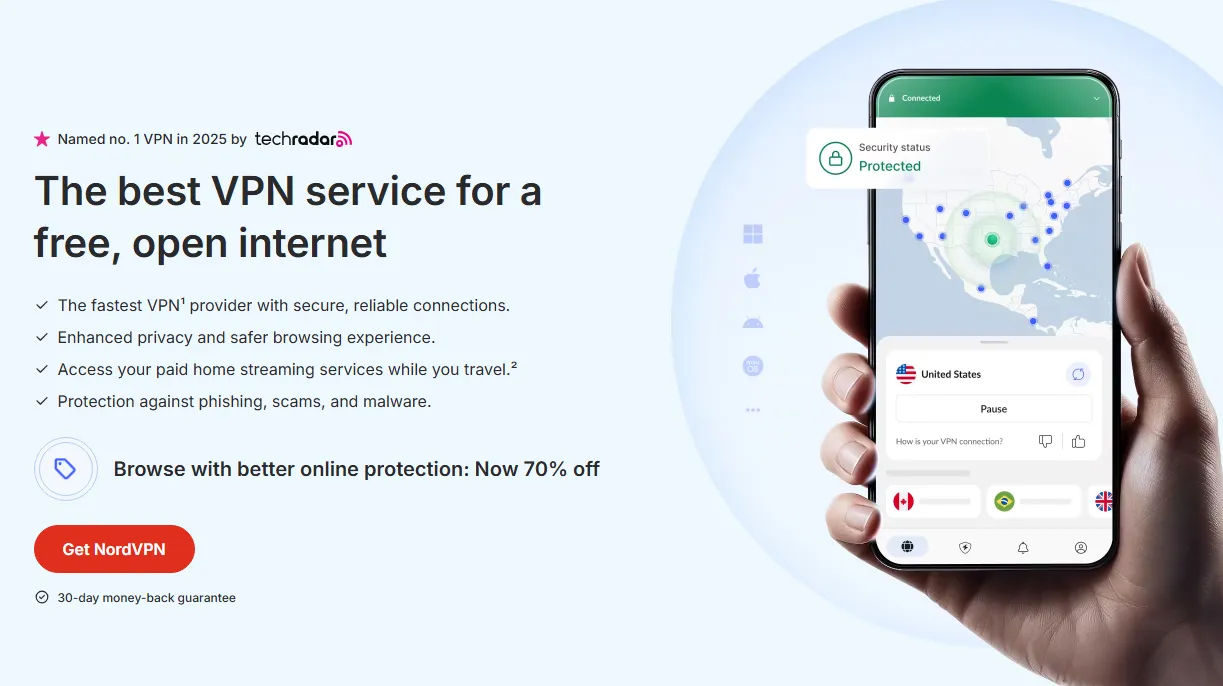
NordVPN remains the gold standard for bypassing regional blocks. Its Meshnet feature and dedicated IP options make it incredibly difficult for streaming services to flag your account.
-
Key Features: Obfuscated servers, Double VPN, and "Threat Protection."
-
Why it works: It has a massive server fleet in low-cost regions, ensuring you don't get "connection error" messages during checkout.
-
Best for: Users who want a "set it and forget it" experience with maximum security.
2. Surfshark – Best for Unlimited Devices
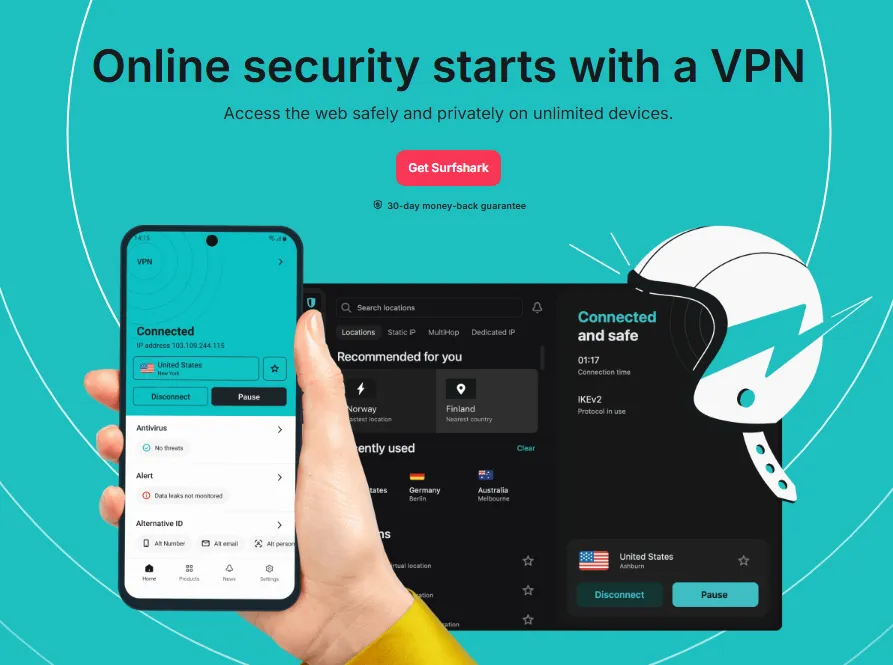
If you are setting up accounts for the whole family, Surfshark is the most cost-effective choice. It allows unlimited simultaneous connections, meaning you can manage your Spotify, Tidal, and YouTube Premium accounts across all devices at once.
-
Key Features: CleanWeb (ad blocker), Dynamic MultiHop, and a built-in "NoBorders" mode.
-
Why it works: It is famously good at bypassing "GPS spoofing" requirements on mobile devices.
-
Best for: Budget-conscious users who need to share the VPN with friends or family.
3. ExpressVPN – The Most Reliable Connection
While slightly pricier, ExpressVPN is the most consistent at maintaining access to high-demand regions like Nigeria and Egypt. Their proprietary Lightway protocol ensures that your connection speed doesn't drop while you're navigating international payment gateways.
-
Key Features: TrustedServer technology (RAM-only servers), 24/7 live support.
-
Why it works: Their IP addresses are refreshed more frequently than almost any other provider, staying one step ahead of Spotify’s blacklists.
-
Best for: Users who prioritize speed and need a foolproof connection for tricky regions.
Post-Activation: Using Your $1 Premium Accounts Safely
Once your Spotify Premium status is successfully activated via the regional plan, you won’t need to use a VPN at all to stream music normally.
-
You can freely log into your account and listen to your music library from any device—whether it’s your phone, Tesla infotainment system, or smart speaker—no matter where you are in the world.
-
Critical Warning: Never change your account’s "Profile Region" in the Spotify settings after activating your regional Premium subscription, as this action can trigger immediate plan deactivation and cause your subscription to lapse entirely.
Method Comparison: $1/Month vs. Standard Plans
|
Feature |
Standard Plan ($13/mo) |
$1/Month Method |
|
Audio Quality |
High / HiFi |
Identical |
|
Offline Mode |
Yes |
Yes |
|
Ads |
None |
None |
|
Playlist Sync |
Standard |
Standard |
|
Annual Cost |
$156.00 |
$12.00 - $18.00 |
The DIY Regional Migration Method (The Professional Way)
For more tech-savvy users who want complete control over their accounts (and don’t want to rely on shared family plans or virtual cards), the DIY Regional Migration method is the way to go. This method involves "migrating" your existing Spotify/Tidal account to a low-cost region permanently, using a legitimate local address, payment method, and VPN. It’s more work upfront, but it’s the most sustainable method—you’ll pay $1/month indefinitely, with zero reliance on others. Here’s the step-by-step process for 2026:
Step 1: Prepare Your Tools
You’ll need: A paid VPN (NordVPN/ExpressVPN recommended), a local address in your chosen region (use a random address generator), a local phone number (for verification—use a free online SMS service like Receive-SMS-Online.net), and a local payment method (virtual prepaid card, as covered earlier, or a friend/family member’s local card if you trust them).
Step 2: Migrate Your Account’s Region
1) Connect your VPN to your chosen low-cost region. 2) Log in to your Spotify/Tidal account on a computer (easier than mobile for account settings). 3) Go to "Account Settings" and find the "Country/Region" section. 4) Change your country/region to the one you’re connected to via VPN. 5) Enter the local address (generated earlier) and local phone number (for verification). 6) Verify your phone number by entering the SMS code you receive (from the online SMS service). 7) Save your settings—your account is now officially "migrated" to the low-cost region.
Step 3: Set Up Auto-Renewal with a Local Payment Method
1) In your account settings, go to "Payment Methods" and remove your old (high-cost region) payment method. 2) Add your local virtual prepaid card (or trusted local card) as the new payment method. 3) Enable auto-renewal so your plan renews automatically each month (this avoids payment failures and account flags). 4) Confirm that your next billing cycle will be charged the local rate (~$1/month).
Step 4: Maintain Your Migration Long-Term
To keep your account migrated permanently: 1) Use your VPN every time you log in to Spotify/Tidal (set it to launch automatically on your devices). 2) Avoid changing your account’s country/region again—this will trigger a review. 3) If you need to update your payment method, use another local virtual card (don’t switch back to a high-cost region card). 4) Check your account settings every 3–6 months to ensure your region is still set correctly. This method is ideal for users who want full control and don’t mind a bit of extra setup—it’s 100% safe and sustainable, and it works for both new and existing accounts.
Steps Table
|
Phase |
Steps & Actions |
Requirements / Details |
|
Phase 1: Tool Preparation |
Gather necessary resources |
• Paid VPN: NordVPN or ExpressVPN recommended. • Local Address: Use a random address generator for the target region. • Local Phone Number: Use online SMS services (e.g., Receive-SMS-Online.net). • Local Payment: Virtual prepaid card or a local contact's card. |
|
Phase 2: Account Migration |
Update your account's regional settings |
1. Connect VPN to the low-cost region. 2. Log in via desktop browser for easier configuration. 3. Access Account Settings > Country/Region. 4. Change country to the VPN location. 5. Input the generated local address and phone number. 6. Complete SMS verification and save settings. |
|
Phase 3: Payment Setup |
Establish local billing for auto-renewal |
1. Remove old payment methods from high-cost regions. 2. Add the local virtual card or trusted local card. 3. Enable Auto-Renewal to prevent plan lapses. 4. Verify the new billing rate (approx. $1/month). |
|
Phase 4: Long-term Maintenance |
Ensure account stability and sustainability |
• VPN Usage: Always use the VPN when logging in. • Stability: Do not change the region again to avoid flags. • Payment Consistency: Only use local-compatible payment methods. • Periodic Audits: Review account settings every 3–6 months. |
Avoiding the 2026 "Ban Waves"
Streaming giants are now rolling out strict IP Consistency verification checks to crack down on unauthorized account sharing and regional bypassing. To keep your streaming accounts safe and avoid suspensions or bans, follow these key rules:
-
Avoid free VPNs entirely: Free VPN providers rely on overcrowded, "dirty" IP addresses that are widely blacklisted by streaming platforms—these IPs are flagged instantly during consistency checks, putting your account at high risk.
-
Stick to strict location consistency (critical for Family Plans): If you’re using a Family Plan to share access, double-check that the Home Address set in your streaming app profile exactly matches the family owner’s registered regional location. Even minor regional mismatches will trigger red flags in IP consistency audits.
-
Never jump between different regions frequently: Refrain from switching your streaming region (e.g., Turkey → India → Nigeria) within the same month, or even across short timeframes. Pick a single, consistent region for your account and stick with it permanently—frequent regional hops are one of the top triggers for IP consistency checks.
Bonus: Stacking Free Trials and Perks
In 2026, music streaming platforms are rolling out aggressive hardware bundle offers to boost user acquisition, with free premium subscriptions tied to popular audio and gaming gear becoming a mainstream perk:
-
Tidal: New purchases of flagship Sennheiser or Sony headphones now regularly include a 3-6 month free subscription to Tidal’s premium tiers, covering high-fidelity audio and immersive 360 Reality Audio for a fully upgraded listening experience.
-
Spotify: Keep a close eye on perks from Microsoft Rewards and Xbox Game Pass—both programs frequently run promotions that let users redeem 3 months of Spotify Premium for 0 points, with the offer available to eligible members across multiple regions with no additional costs.
Conclusion
There’s no reason to overpay for Spotify and Tidal in 2026—not when you can get the same premium features for $1/month with a safe, legitimate method. Whether you choose the easy Shared Family Plan strategy or the more advanced DIY Regional Migration method, you’ll save hundreds of dollars per year without sacrificing quality or security. The key takeaways are: prioritize safety (use a paid VPN and legitimate payment methods), avoid risky hacks (free VPNs, stolen accounts), and stay consistent (don’t switch regions or share your account recklessly). Streaming services’ regional pricing is a loophole designed to make their platforms accessible worldwide—and you’re not "cheating" by using it; you’re just taking advantage of a system that’s already unfair to high-cost region users. By following the steps in this guide, you’ll enjoy ad-free, high-quality streaming for $1/month in 2026 and beyond. Stop overpaying—your wallet (and your music library) will thank you.
Frequently Asked Questions (FAQs)
Q: Is this illegal?
A: No, it is not illegal, but it does violate the Terms of Service (ToS) regarding "Residency." The worst-case scenario is the account being reverted to the "Free" version.
Q: Will my library be in a different language?
A: No. The app interface and song titles remain in the language set on your device.
Q: Can I still use my local credit card?
A: Usually, no. Most platforms check the "Bank Identification Number" (BIN). Use gift cards or virtual regional cards for the best success rate.
Q: Do I need to keep the VPN on all the time while listening?
A: No. You only need the VPN for the initial sign-up and payment process. Once the Premium status is active, you can listen from any IP address globally without a VPN.
Q: What happens if I want to join a Family Plan in a different region?
A: To join a Family Plan, your account's "Country or Region" setting must match the Plan Manager's region. If you are being invited, you may need to use a VPN to change your account region before accepting the link.
Q: Will my "Made For You" playlists (Daily Mix, Discover Weekly) be full of foreign music?
A: Initially, you might see some regional hits in the "Trending" charts. However, Spotify and Tidal’s algorithms are based on your listening history, not your billing address. Within a week of use, your recommendations will return to your preferred genres.
Q: My payment was rejected even with a VPN. What’s wrong?
A: 2026 update: Platforms now use "Geo-fencing" on the payment page. Ensure your browser's "Location Services" are turned off, use an Incognito/Private window, and verify that your VPN doesn't have a "DNS Leak" that reveals your true location.
Q: Can I move my current playlists to a new regional account?
A: Yes. You can use free tools like TuneMyMusic or Soundiiz to sync playlists between accounts, or simply set your old playlists to "Public" and follow them from your new $1/month account.
Q: Is there a risk of my main email being banned?
A: It is extremely rare for a provider to ban an email entirely; they usually just cancel the subscription. However, for maximum safety, we recommend using a secondary "burner" email for regional accounts.
Q: What are the best "Value Regions" in 2026?
A: Currently, Egypt, Nigeria, and India offer the lowest rates (often under $1.20 USD for individual plans). Turkey and Argentina remain popular but have recently increased prices and tightened credit card BIN checks.