By 2026, esports is ingrained in daily gaming, and even minimal latency can cause a fatal error. High Ping doesn't just slow down your inputs; it fundamentally compromises fair gameplay. For competitive gamers, network latency (Ping) is a critical factor determining victory or defeat. This article provides a comprehensive analysis of latency's nature and causes, offering the ultimate solution package from local hardware tweaks to advanced software tools.
What is Ping (Latency)?
1. Latency: Your Game's "Reaction Time"
Latency in networking is commonly referred to as Ping. Ping is actually the name of a network tool (Packet Internet Groper), used to measure the Round-Trip Time (RTT)—the total time required for a data packet to travel from your device to the game server and back.
-
Ping: This is the universal metric for measuring network connection quality and speed. It represents your game's "reaction time." The Ping value dictates the time it takes for an action, like clicking to shoot, to be registered by the server.
-
Unit: Milliseconds (ms). 100ms means a data packet takes 0.1 seconds for a round trip.
-
Ping vs. Latency: In a gaming context, these two terms are often used interchangeably. Latency is the broader term, while Ping is the tool, based on the ICMP protocol, used to measure this delay.
2. The Standard for "Good" Ping
The quality of your Ping depends on the game genre and the player's requirements. For mainstream competitive games in 2026 (such as Valorant, League of Legends, PUBG, etc.), here is a professional rating:
|
Ping Range (ms) |
Rating |
Gaming Experience Description |
Competitive Status |
|
0 - 30ms |
Ideal |
True real-time responsiveness; actions and visuals are synchronized. |
Esports Level, offering a decisive first-strike advantage. |
|
30 - 60ms |
Good |
Smooth experience; casual games feel virtually lag-free. |
Acceptable for competitive play. |
|
60 - 100ms |
Playable |
Slight latency noticeable; may result in dying "behind cover." |
At a slight disadvantage. |
|
100ms+ |
Poor (Game-Breaking) |
Clear, obvious lag. Actions are slow, and skill deployment is severely delayed. |
Severe disadvantage. |
3. Packet Loss and Jitter
-
Packet Loss: Data packets are lost during transmission. Even with low Ping, high packet loss causes stuttering or command failures, as the network must re-send the missing data.
-
Jitter: Refers to irregular and dramatic fluctuations in Ping over a short period. Jitter is often more detrimental than consistently high Ping because it prevents the game from effectively predicting and compensating for movement, resulting directly in screen stuttering and "rubberbanding" effects.
How Ping Impacts the Gaming Experience
High Ping is not just a number; it manifests in your gameplay with various fatal "symptoms" that lead to repeated losses.
1. In-Game Symptoms of High Ping
The most direct impact of high latency is desynchronization: what your client sees is not what the server registers.
-
"Rubberbanding": Your character suddenly snaps back to a previous position while moving. This is the primary symptom of high jitter.
-
"Ghost Bullets" (Hit Registration Issues): Your attacks or bullets are not registered by the server. This often happens because your "shoot" packet arrives late or the server registers you as killed before the shot is processed.
-
"Dying Behind Cover": You clearly retreated behind cover, yet you suddenly die. This occurs because the server processed your opponent's "shoot" command before your "take cover" command, causing a desynchronization between your client view and the server state.
-
Input Lag: You press a mouse button or key, but the in-game action reacts with a noticeable delay.
2. Latency Requirements for Different Game Genres
-
FPS/Fighting Games (Competitive): Require extremely low latency. These games rely on millisecond reaction times and precise positioning; any latency over 50ms can be a competitive hindrance.
-
MOBA/MMORPG/Strategy Games: Are relatively more tolerant of higher latency. However, in MOBAs, high latency causes "skill delay" and "unavoidable AOEs," making you miss critical team fight opportunities.
Causes of High Ping
To thoroughly fix a high Ping problem, you must act like a network detective and find out where exactly the data packets are "stuck" on their journey from your home to the game server.
1. Local Hardware and Configuration Issues
-
Wi-Fi vs. Wired Connection (Ethernet): Wi-Fi is inherently susceptible to interference, signal degradation, and packet loss, making it a major source of high Ping and jitter.
-
Router Aging/ Insufficient Performance (Bufferbloat): Older or low-end routers can experience "bufferbloat" when processing large amounts of data, causing packets to pile up inside the router waiting to be sent, thus increasing latency for all connected devices.
-
Insufficient PC Performance: If your CPU or RAM is heavily utilized by other programs, the operating system's ability to efficiently process network data decreases.
-
Background Applications Consuming Bandwidth: Any background downloads, high-definition streaming, or cloud syncing services will consume bandwidth and lower the priority of your game's data packets.
2. Network Path and ISP Issues (Core Causes)
-
Physical Distance (Natural Barrier): This is the most fundamental and unavoidable cause. Data transmission speed is limited by the speed of light; the greater the geographical distance between you and the game server, the naturally higher your Ping will be.
-
Poor ISP Routing: Internet Service Providers (ISPs) often use default routing paths that prioritize cost over speed. This can cause your data to take a circuitous route instead of the shortest possible path.
-
ISP Throttling (Traffic Shaping): Some ISPs identify high-bandwidth activities like gaming and deliberately lower the priority of this traffic to manage network load. When this happens, your Ping can be artificially inflated.
-
Network Congestion: During peak hours (typically evenings), your neighborhood's ISP backbone may be carrying too much user traffic, leading to congestion and spikes in latency.
How to Reduce Lag
1. Local Optimization (First Priority): 5 Essential Basic Fixes
|
Fix Item |
Goal |
How to Perform |
|
Ditch Wi-Fi: Switch to a Wired (Ethernet) Connection |
Eliminate wireless interference and packet loss, reducing jitter. |
Use a Cat 5e/Cat 6 Ethernet cable to connect your PC to the router. (This is the simplest and most effective optimization.) |
|
Close Background "Vampire" Apps |
Free up bandwidth and CPU resources. |
In Task Manager (Ctrl+Shift+Esc), end all unnecessary cloud syncs, Windows/Steam updates, video streaming, and browsers with many open tabs. |
|
Reboot Your Router (Clear Cache) |
Clear router memory and IP connection tables. |
Unplug your router and modem, wait 30 seconds, and power them back on. |
|
Reduce Devices on the Network |
Avoid local network congestion. |
Temporarily disconnect smart TVs, tablets, or phones until your gaming session is complete. |
|
Choose the Nearest Game Server |
Lower physical distance and reduce relay nodes. |
In the game settings, manually select the server closest to your geographical location. |
2. Network Optimization (5 Advanced Checks)
-
Optimize Router Settings (QoS): Log in to your router's administration interface (usually 192.168.1.1 or 192.168.0.1 in your browser), find the QoS (Quality of Service) function, and set your game traffic to the highest priority.
-
Change DNS: Switch to a public, fast DNS service like Google DNS (8.8.8.8) or Cloudflare DNS (1.1.1.1) to speed up domain name resolution.
-
Update/Check Network Adapter Drivers: Ensure your network adapter drivers are the latest version for optimal compatibility with your operating system.
-
Check Firewall or Antivirus Software: Temporarily disable or add your game client as an exception (whitelist) to rule out security software mistakenly flagging game traffic as a threat.
-
Contact Your ISP (Ask about Routing): Request them to perform a Traceroute test on your connection to see if data packets are experiencing unusual delay or loss at any specific node.
Advanced Solution: Gaming VPNs
1. Why Can a VPN Reduce Lag?
A VPN's value lies not in "physical acceleration" but in routing optimization and throttling bypass.
-
Bypassing ISP Throttling (Encrypted Tunnel): Since the VPN encrypts all your network traffic, your ISP cannot use Deep Packet Inspection (DPI) to identify your gaming activity, thus preventing traffic shaping or throttling.
-
Optimizing Data Routing (High-Speed Private Lines): Premium VPN providers utilize high-speed servers deployed on global backbone networks. When connected to a VPN, your data packets bypass the inefficient default path planned by your ISP and are directed onto the VPN provider's "private high-speed lines," which usually offer a shorter path, fewer relay nodes, and less congestion.
-
Effect: Reducing Jitter: By connecting to more stable, higher-quality network nodes, a VPN ensures data packets arrive at the target server with more consistent timing, effectively eliminating "rubberbanding" and stuttering in games.
Note: A VPN cannot break the laws of physics or overcome the limitations of distance. It is primarily used to solve issues like poor ISP routing, ISP throttling, and cross-region connections. For players connecting to nearby servers, fundamental optimization is still key.
2. Gaming-Friendly VPN: The Key to Reduce Lag
When selecting a gaming VPN, our core focus is on stability, protocol efficiency, and global node quality. Below are a few services widely recognized in the market for enhancing the gaming experience:
ExpressVPN: The Gold Standard for Speed and Stability

ExpressVPN is widely recognized as the industry benchmark for speed and stability. Its proprietary Lightway Protocol is specifically engineered for high speed and low latency, significantly reducing code size and connection time while maintaining top-tier encryption.
For players needing to connect to distant servers (e.g., connecting from Asia to Europe or America), ExpressVPN's robust network infrastructure and optimized routing make it the premier choice for solving cross-ocean latency and routing issues.
NordVPN: An Ideal Balance of Security and Speed
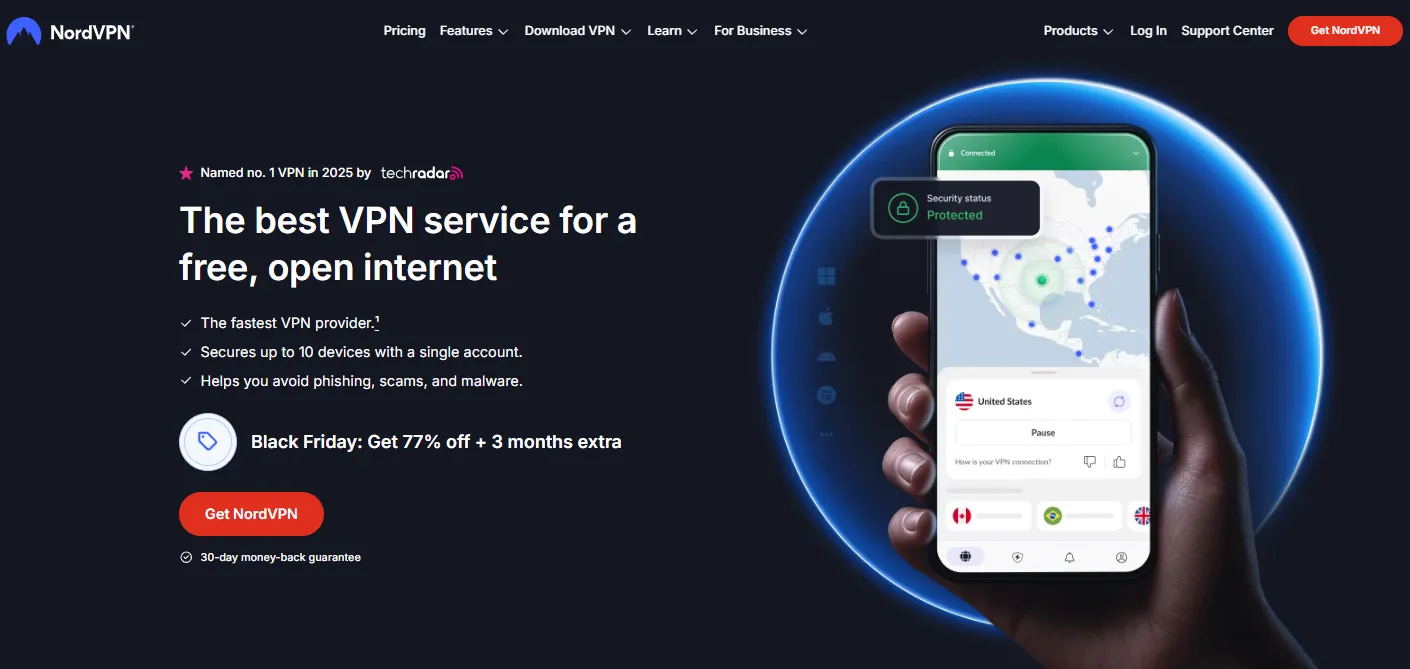
With its extensive server network and the NordLynx Protocol (based on cutting-edge WireGuard technology), NordVPN achieves lightning-fast connection speeds and extremely low packet loss while providing premium security protection.
For competitive players seeking stability and low jitter, NordVPN's high-efficiency connection is ideal for reducing "rubberbanding" and stuttering, ensuring a smooth experience even during long gaming sessions.
CyberGhost: Nodes Specifically Optimized for Gaming
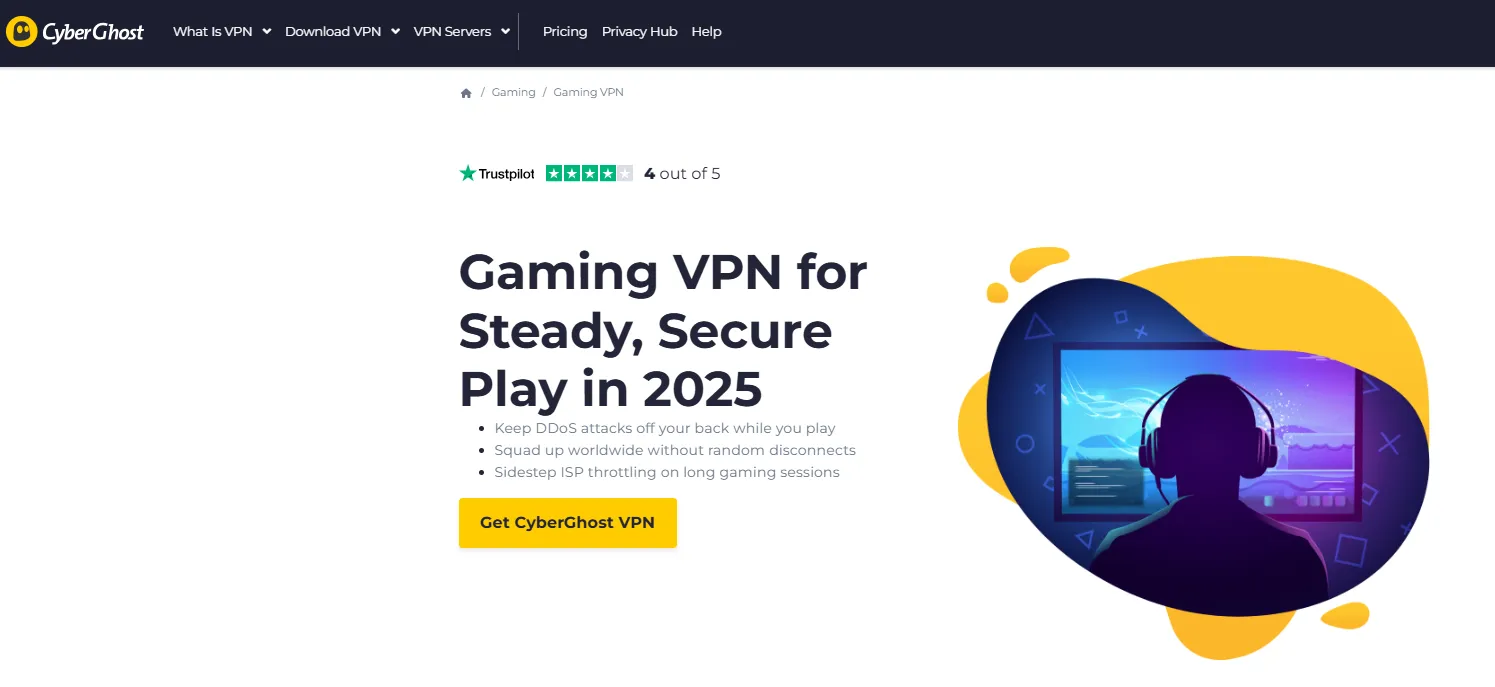
A significant highlight of CyberGhost is its provision of specially labeled "Gaming Optimized" Servers. These nodes are fine-tuned to ensure they provide the lowest possible latency and best routing path.
For VPN beginners or players who want a simple "one-click optimization," selecting one of CyberGhost's specialized servers can quickly and effectively improve game connection quality.
Private Internet Access (PIA): Vast Network and Advanced Customization

Private Internet Access (PIA) boasts one of the largest server networks on the market, meaning users can find a fast connection point to bypass congestion and poor routing in virtually any geographical location.
PIA supports advanced customization features like Port Forwarding, which can be an additional benefit for certain games (like some MMOs) that require specific port connections or P2P sharing, offering flexibility and reliability to advanced users.
Intego: Mac User-Friendly, Balancing Security and Speed

While Intego is primarily known in the market as a Mac system security software, its bundled VPN service uses the fast and efficient WireGuard Protocol, ensuring connection speed and stability.
This helps Mac users reduce gaming latency while simultaneously securing their devices. Furthermore, as Intego shares much of its infrastructure with PIA, it can effectively assist users in optimizing routing for cross-region gaming.
Conclusion
In the competitive gaming landscape of 2026, high Ping is no longer a tolerable disadvantage; it is an obstacle that must be solved to win.
Your optimization strategy can be divided into two steps:
-
Stability is the Foundation: Always prioritize a wired connection and shut down all unnecessary background applications. This is the cornerstone of any Ping optimization effort.
-
Advancement is Breakthrough: When you face the need for cross-region gaming or suspect poor ISP throttling/routing, a high-quality VPN is the ultimate solution to bypass these "network roadblocks." By encrypting traffic and optimizing the route, it builds a private high-speed highway to global game servers for you.
Understanding Ping, diagnosing latency, and using the correct tools for optimization will allow you to regain the millisecond advantage that decides the battle. Say goodbye to rubberbanding and stuttering, and enjoy a seamless gaming experience!
Frequently Asked Questions (FAQ)
Q1: Does high Ping mean my download speed is slow?
A1: Not necessarily.
Ping (latency) measures the data transmission time in milliseconds, while download speed measures the data transfer volume in Mbps (megabits per second).
Your broadband download speed can be very fast (e.g., 500 Mbps), but if data packets take a circuitous route or pass through congested nodes during transmission, your Ping value can still be high. They are different dimensions of network quality.
Q2: Why is my Ping value higher in the evening?
A2: This is almost always caused by Network Congestion.
Evening is the "prime time" for internet use. When many users (your neighbors, or others in your area) are simultaneously streaming, downloading, or gaming, it can cause the ISP's main backbone or local exchange nodes to become saturated, increasing the wait time for data packets and causing Ping values to surge.
Q3: If I use a Cat 5e cable, will upgrading to the latest Cat 8 cable lower my Ping?
A3: It will not have a noticeable effect.
The transmission speed and signal quality of Cat 5e or Cat 6 cables over short distances (such as within a home) are already sufficient to support gigabit networking, and their latency difference is negligible. Ping is primarily limited by the number of network relay nodes and the speed of light. Cat 8 cables are mainly used in professional environments like data centers, which require extremely high bandwidth and interference resistance.
Q4: My Ping drops after restarting the router. Why?
A4: A router reboot clears up "Bufferbloat" and resets old connections.
After a router operates for an extended period, its memory accumulates numerous connection records and data caches. Restarting effectively clears the router's memory and cache, resolving potential memory leaks or internal data pile-up issues, thus restoring the efficiency of data packet processing and temporarily reducing latency and jitter.
Q5: How do I tell if high Ping is my problem or the game server's problem?
A5: Use the Ping and Traceroute diagnostic tools.
-
Ping your router: In Command Prompt/Terminal, enter ping 192.168.1.1 (or your router's IP). If the Ping is high (>5ms), the issue is in your local network.
-
Ping a public DNS: Ping Google DNS (ping 8.8.8.8) or Cloudflare (ping 1.1.1.1). If the Ping is high, the problem is with your ISP or modem.
-
Traceroute the game server: Use the tracert [Game Server IP] command to see at which relay node (Hop) the latency spike begins. If the latency only drastically increases at the last or second-to-last node (usually near the game server), it is most likely an issue with the game server or its data center.