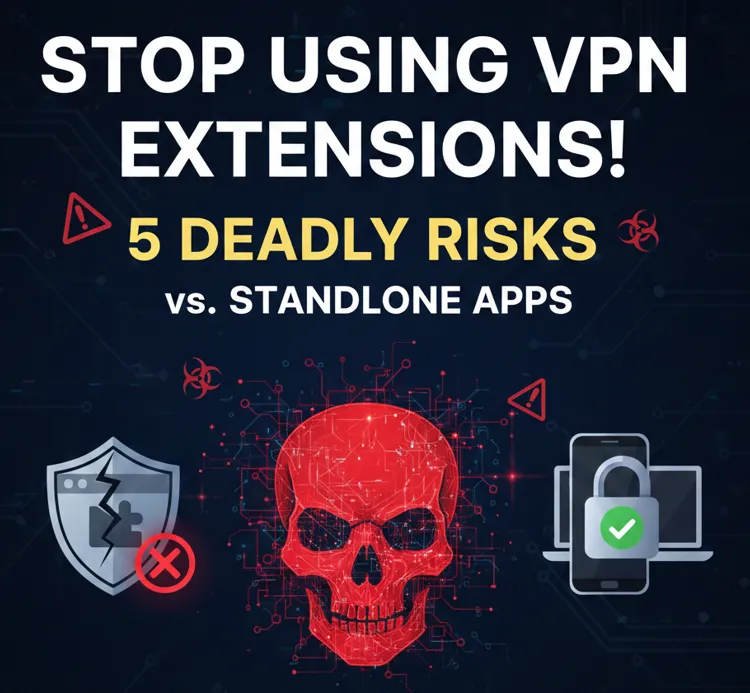
Introduction: The False Sense of Security
In 2026, the digital landscape is more interconnected—and more dangerous—than ever. Many users still rely on browser-based VPN extensions, lured by the "one-click" convenience and the illusion of privacy. However, a "green light" on your browser toolbar does not mean your data is safe. In reality, most VPN extensions are merely glorified proxies that leave 90% of your device's traffic exposed to hackers, ISPs, and government surveillance.
Foundational Background: VPN Extensions vs. Standalone Apps (2026 Definitions)
To understand the security gap, it’s critical to define both tools as they function in 2026’s digital landscape:
-
VPN Extensions (Browser-Based VPNs): Lightweight add-ons designed exclusively for web browsers (Chrome, Firefox, Edge, Safari, etc.). They operate at the browser application layer, encrypting only traffic sent and received through that specific browser. They rely on the browser’s native APIs for network control, have limited access to device-level settings, and are often marketed for casual use (e.g., unblocking region-locked streaming clips, avoiding basic website trackers).
-
Standalone VPN Apps (Native VPN Clients): Full-fledged software installed directly on a device (laptop, smartphone, tablet, desktop). They operate at the operating system (OS) level, encrypting all internet traffic from the device—regardless of which app or browser generates it. They leverage dedicated VPN protocols (OpenVPN, WireGuard, IKEv2/IPsec, 2026’s emerging quantum-resistant protocols) and have full access to network configuration, firewall integration, and advanced security features.
The core 2026 distinction lies in scope of protection and security architecture: extensions are browser-specific add-ons with restricted permissions, while standalone apps are system-level tools built for end-to-end privacy..
The 5 Deadly Risks of Using VPN Extensions in 2026
1. Partial Traffic Encryption: Critical Leaks in Your Digital Armor
The most fundamental flaw of VPN extensions in 2026 is their inability to encrypt all device traffic. They only secure browser-based activity, leaving every other application on your device exposed: messaging apps (Signal, WhatsApp), email clients, cloud storage tools, gaming platforms, and even background system updates all send unencrypted data over the network. Hackers on public Wi-Fi (airports, cafes, hotels) can easily intercept this unprotected traffic, stealing login credentials, financial data, and personal messages. Worse, ISPs and third-party analytics firms can still monitor your non-browser activity, building detailed user profiles—defeating the core purpose of using a VPN for privacy.
2. Browser API Vulnerabilities: Exploitable by 2026 Cyber Threat Actors
By 2026, browser extension APIs have become a prime target for cybercriminals and state-sponsored hackers. VPN extensions are entirely dependent on these APIs to route traffic, and any API vulnerability (e.g., unpatched flaws in Chrome’s network API, Firefox’s proxy configuration loopholes) gives attackers a direct backdoor. Malicious actors can exploit these gaps to hijack the extension’s traffic routing, redirect you to phishing sites, or inject malware into your browser session. Unlike standalone apps, which use proprietary, regularly audited protocol stacks, extensions are at the mercy of browser developers’ patch cycles—leaving users exposed for weeks or months between security updates.
3. Lack of Transparency & Unregulated Data Collection (2026 Privacy Loopholes)
The 2026 app ecosystem has seen a surge in "free" VPN extensions with deceptive privacy policies. Many extensions claim to be "no-log" but bury fine print that allows them to collect user data: browsing history, IP addresses, device identifiers, and even keystrokes (under the guise of "performance analytics"). Some extensions are operated by data brokers or ad networks, which sell your collected information to third parties for targeted advertising, identity theft, or even surveillance. Unlike reputable standalone VPN apps, which undergo third-party security audits (a standard 2026 industry practice for premium providers), most browser extensions skip independent testing—leaving users unable to verify if their data is truly safe.
4. Limited Protocol Support & Outdated Encryption
2026’s cybersecurity standards demand modern, high-performance VPN protocols (WireGuard, quantum-resistant IKEv3, and OpenVPN 3.0) to defend against advanced decryption attempts. VPN extensions, however, are restricted to basic proxy protocols (HTTP/HTTPS proxies, SOCKS4a) that lack the robust encryption of native VPN protocols. These outdated protocols are vulnerable to 2026’s common attack methods: man-in-the-middle (MITM) attacks, traffic decryption by AI-powered tools, and DNS leaks. Even premium extensions rarely support cutting-edge encryption, as browser limitations prevent them from implementing complex protocol stacks—making them ineffective against serious privacy threats.
5. No System-Level Security Features: Defenseless Against 2026 Threats
Standalone VPN apps in 2026 come bundled with critical system-level security features that extensions simply cannot replicate: kill switches (instantly cut internet access if the VPN connection drops to prevent leaks), DNS leak protection (secure, encrypted DNS servers), split tunneling (customize which apps use the VPN), and malware/adware blocking. Extensions lack all these safeguards: a dropped VPN connection leaves your browser traffic exposed instantly, DNS requests often leak your real IP address, and there’s no way to block malicious websites or trackers at the system level. For users handling sensitive data (remote work, online banking, confidential communication), this absence of foundational security features is a fatal risk.
Standalone VPN Apps: Why They’re the Safer Choice in 2026
Standalone VPN apps address every flaw of extensions, making them the only viable choice for robust online privacy in 2026:
-
Full Device Encryption: Secures all traffic from every app, browser, and background process—eliminating partial protection gaps.
-
Advanced Protocol Support: Natively runs 2026’s most secure VPN protocols, with regular updates to patch vulnerabilities and adopt quantum-resistant encryption.
-
Third-Party Audited Privacy: Reputable standalone apps undergo annual independent audits, publishing public reports to verify no-log policies and data security.
-
System-Level Security Tools: Built-in kill switches, DNS leak protection, split tunneling, and anti-tracking/malware features create a multi-layered defense.
-
Cross-Device Consistency: Works across all your devices (Windows, macOS, iOS, Android, Linux, routers) with a single account, ensuring uniform privacy across your digital ecosystem.
-
Reliable Performance: Optimized servers for streaming, gaming, and remote work, with lower latency than browser extensions (which suffer from browser resource constraints).
In 2026, standalone VPN apps are no longer just a "better option"—they’re the baseline for anyone serious about protecting their digital identity from evolving cyber threats.
Recommended Standalone VPN Apps
All selected apps meet 2026’s strict security standards: third-party audited no-log policies, support for modern protocols (WireGuard, OpenVPN 3.0), quantum-resistant encryption options, and system-level security features.
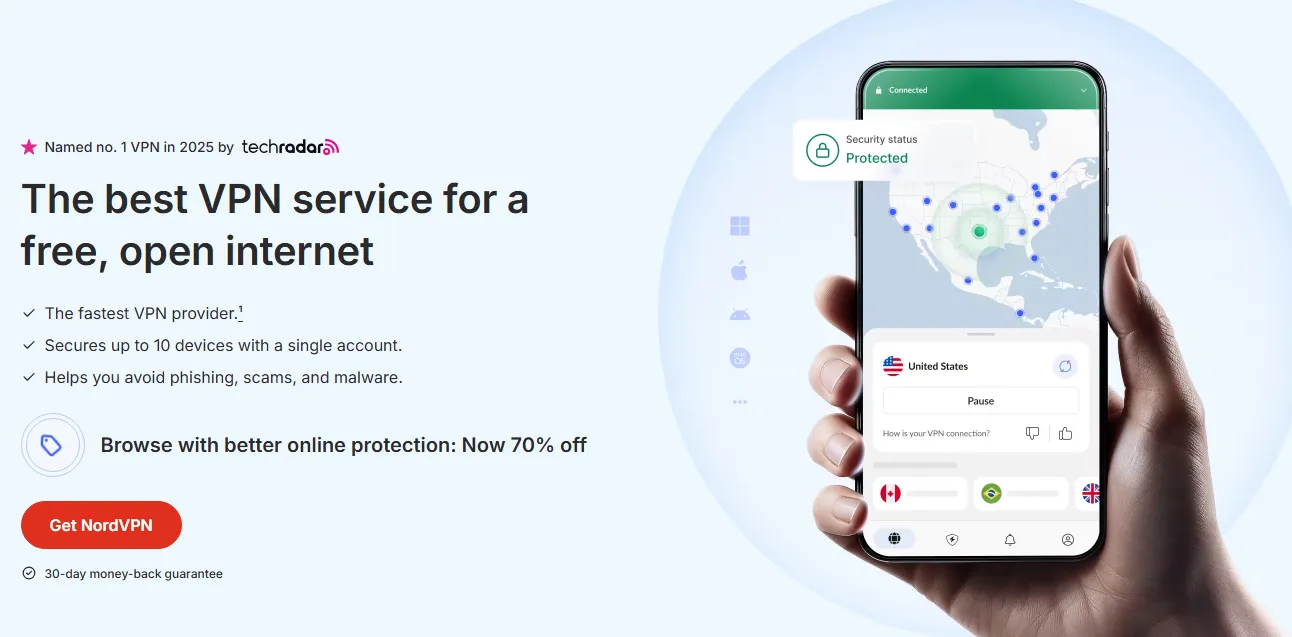
1. NordVPN: A 2026 industry leader, offering WireGuard (NordLynx) protocol, quantum-resistant encryption, a strict no-log policy (audited twice yearly), and a comprehensive kill switch. Includes Threat Protection (malware/ad blocking) and split tunneling, with 5,000+ servers in 60 countries. Ideal for streaming, remote work, and general privacy.
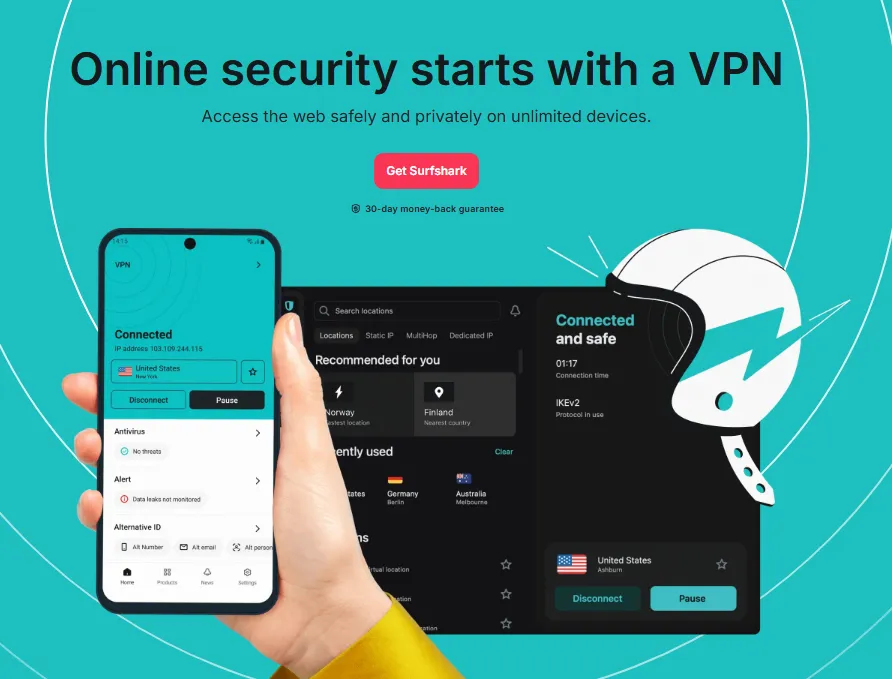
2. SurfShark: Budget-friendly premium option with unlimited device connections, WireGuard protocol, audited no-log policy, and CleanWeb (anti-tracking/ad blocking). Features a kill switch, split tunneling, and quantum-resistant encryption for high-risk users. Great for households or users with multiple devices.

3. ExpressVPN: Renowned for speed and security, supporting OpenVPN 3.0, WireGuard, and IKEv3 (quantum-resistant). Audited no-log policy, network lock kill switch, and DNS leak protection. 3,000+ servers in 94 countries, with dedicated apps for all devices and routers. Perfect for users prioritizing performance and global coverage.
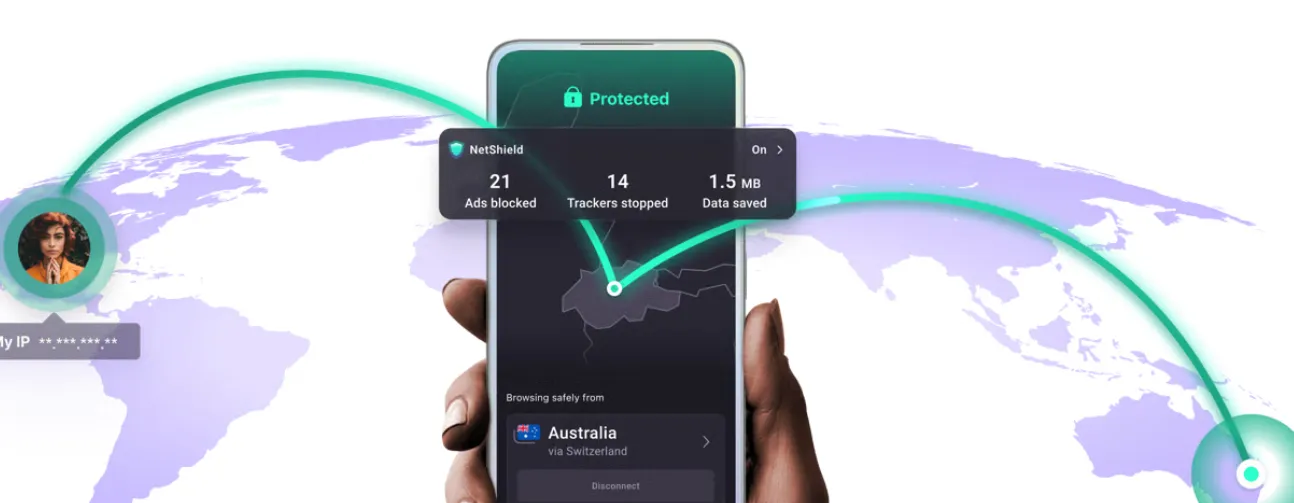
4. Proton VPN: Open-source, privacy-focused app with a free tier (limited servers) and premium plans with WireGuard, quantum-resistant encryption, and audited no-logging. Includes Secure Core (routes traffic through privacy-friendly servers first) and a kill switch. Ideal for activists, journalists, and users prioritizing open-source transparency.
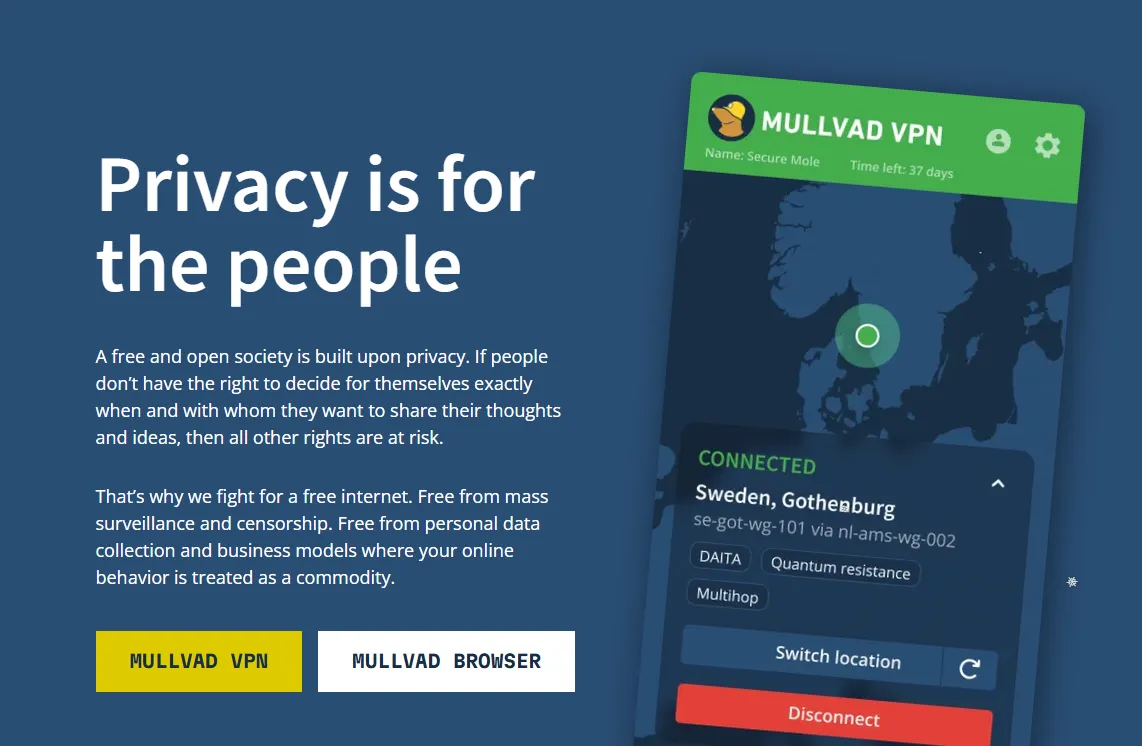
5. Mullvad: Anonymous VPN pioneer (no email required for signup), open-source, audited no-log policy, and WireGuard/OpenVPN support. Features a kill switch, split tunneling, and quantum-resistant encryption. Servers in 40+ countries, with a flat monthly fee—great for users seeking maximum anonymity.
Comparison Table
|
VPN Provider |
Primary Protocol |
Quantum-Resistant Encryption |
Key Security Features |
Best For |
|
NordLynx (WireGuard) |
Yes (NIST-standard) |
Twice-yearly audits, Threat Protection (Malware/Ads), Split Tunneling |
Streaming, Remote Work, General Privacy |
|
|
WireGuard |
Yes (High-risk users) |
Unlimited device connections, CleanWeb (Anti-tracking), Dynamic MultiHop |
Large Households, Multi-device users |
|
|
Lightway / OpenVPN 3.0 |
Yes (IKEv3 support) |
Network Lock kill switch, DNS leak protection, 94-country coverage |
Performance, Speed, Global Coverage |
|
|
WireGuard / Stealth |
Yes |
Open-source apps, Secure Core (multi-hop), NetShield ad-blocker |
Activists, Journalists, Transparency |
|
|
WireGuard |
Yes (Default on desktop) |
Anonymous account (no email), Flat fee, DAITA (AI traffic masking) |
Maximum Anonymity, Advanced Privacy |
2026 Practical Guide: Transitioning from VPN Extensions to Standalone Apps
Step 1: Uninstall All VPN Extensions
-
Open your browser’s extension menu (Chrome: chrome://extensions/; Firefox: about:addons; Edge: edge://extensions/).
-
Locate all VPN/proxy extensions and select "Remove" or "Uninstall."
-
Clear browser cache and cookies to eliminate any extension-related tracking data.
-
Repeat for every browser on your device (Chrome, Firefox, Edge, Safari, etc.).
Step 2: Choose & Download a Reputable Standalone VPN
-
Select an app from the 2026 recommended list (avoid unknown free standalone VPNs—many share extension-style data collection risks).
-
Download the app only from the official website or verified app stores (Apple App Store, Google Play, Microsoft Store) to avoid fake/malicious versions.
-
Create an account (opt for email aliases or anonymous signup where available, e.g., Mullvad).
Step 3: Install & Configure Core Security Settings
-
Install the app on your primary device (laptop/smartphone) and log in.
-
Enable kill switch (critical for preventing connection leaks) in the app’s settings.
-
Select a modern protocol: WireGuard (default for most 2026 apps) or OpenVPN 3.0 for maximum compatibility.
-
Turn on DNS leak protection and use the VPN’s encrypted DNS servers (avoid ISP or public DNS).
-
Optional: Enable split tunneling to customize which apps use the VPN (e.g., route banking apps through VPN, leave streaming apps unencrypted for speed).
Step 4: Install on All Devices & Test for Leaks
-
Install the VPN app on all your devices (smartphone, tablet, desktop, router—for whole-home protection).
-
Use a 2026 VPN leak test tool (e.g., DNSLeakTest.com, IPLeak.net) to verify no IP/DNS leaks.
-
Test the kill switch: Disconnect the VPN manually and confirm all internet traffic is blocked until the connection is restored.
Step 5: Update & Maintain Regularly
-
Enable automatic updates for the VPN app (2026 providers push protocol patches and security fixes monthly).
-
Rotate VPN servers every 2–3 weeks for added privacy (most apps have one-click server switching).
-
Review the provider’s privacy policy annually to ensure no changes to data collection practices.
Myths vs. Facts About VPN Extensions (2026 Edition)
|
Myth |
Fact |
2026 Context |
|
"Extensions are faster than apps." |
Standalone apps are now faster. |
While extensions were once "lighter," the WireGuard protocol in standalone apps is now significantly more efficient than browser-based HTTPS proxies. |
|
"HTTPS websites mean I don't need a VPN." |
HTTPS hides content, but not metadata. |
HTTPS encrypts the body of your data, but your ISP and public Wi-Fi hosts can still see which domains you visit. Only a system-wide VPN hides your destination metadata entirely. |
|
"Browser VPNs protect my whole device." |
They are strictly app-specific. |
Extensions only secure traffic within that one browser. Background OS updates, Slack, Discord, and Outlook remain 100% exposed. |
|
"I'm anonymous once I turn on the extension." |
Extensions are prone to fingerprinting. |
2026 ad-trackers use "Browser Fingerprinting" (analyzing fonts, screen resolution, and OS versions) to identify you regardless of your masked IP address. Standalone apps often include system-level anti-fingerprinting. |
|
"Free extensions are safe for basic browsing." |
You are the product. |
Free extensions frequently log your browsing history and sell it to data brokers. Reputable standalone apps (even those with free tiers like Proton) use a "freemium" model backed by paid subscribers, not data sales. |
|
"Incognito mode + VPN extension is enough." |
This is a false sense of security. |
Incognito mode only prevents your local device from saving history. It does nothing to stop remote servers or ISPs from tracking you. A standalone app is required for real network-level privacy. |
2026 Action Guide: How to Make the Safe Switch
Immediate Actions (Within 24 Hours)
-
Uninstall all VPN/proxy extensions from every browser.
-
Select a recommended standalone VPN and create an account.
-
Install the app on your most-used device and enable kill switch/DNS protection.
-
Run a leak test to confirm secure setup.
Short-Term Actions (1–7 Days)
-
Install the VPN on all secondary devices (smartphone, tablet, work laptop).
-
Set up split tunneling to optimize speed and privacy for your daily apps.
-
Test streaming, gaming, and remote work functionality to ensure no disruptions.
-
Share the guide with family/friends still using VPN extensions to spread awareness.
Long-Term Actions (Ongoing)
-
Enable automatic VPN app updates to stay protected against 2026’s emerging threats.
-
Conduct quarterly leak tests to verify consistent security.
-
Upgrade to a router VPN for whole-home protection (covers smart TVs, IoT devices, and guest devices).
-
Avoid free VPN tools entirely—opt for budget-friendly premium standalone apps for reliable privacy.
Conclusion: Prioritize Safety Over Convenience in 2026
Frequently Asked Question (FAQ)
Q: Can I use a VPN extension and a standalone app at the same time?
A: It is not recommended. This "double-hop" or "nested VPN" setup often causes routing conflicts, extreme latency, and may actually make your connection less stable. In 2026, standalone apps have optimized routing that an extension would only disrupt.
Q: Are there any legitimate uses for VPN extensions in 2026?
A: They are acceptable for "disposable" tasks: quickly bypassing a simple geo-block on a single news site or YouTube clip without affecting your gaming or work latency in the background. However, they should never be used for sensitive logins or financial transactions.
Q: Does my mobile phone need a standalone app, or is the built-in browser VPN enough?
A: Mobile browsers are even more prone to leaks than desktop browsers. Furthermore, 90% of mobile data usage happens inside apps (Instagram, Banking, Email), which browser extensions cannot touch. You must use a standalone iOS/Android VPN app for mobile security.
Q: If my standalone app is on, do I still need a "secure" browser?
A: While the VPN encrypts your traffic, it doesn't stop websites from seeing what you type once you arrive. In 2026, we recommend pairing a standalone VPN with a privacy-focused browser (like Brave or Mullvad Browser) to fight fingerprinting.
Q: Will a standalone app slow down my 2026 ultra-high-speed internet?
A: Modern protocols like WireGuard are designed for 10Gbps+ speeds. With a high-quality provider, the speed drop is typically less than 5%, which is unnoticeable for 8K streaming or professional cloud work.
Q: How do I know if my standalone VPN is actually working?
A: Check your IP at browserleaks.com. If it shows your actual ISP name or city while the VPN is "on," your configuration is leaking. Standalone apps have "Strict Kill Switches" to prevent this, which extensions lack.
Q: Why are "Free" VPN extensions so popular if they are risky?
A: They rely on aggressive marketing and the user's desire for a quick fix. In 2026, data has become more valuable than subscription fees, so these "free" tools are often front-ends for massive data-harvesting operations.