Private Internet Access (PIA) is a globally recognized VPN provider with a massive user base. Owned by Kape Technologies, PIA offers one of the world's largest server networks, committed to providing transparent and reliable service through open-source clients and advanced encryption standards. It is an ideal choice for users who prioritize robust privacy, excellent value, and high speed.
This review will analyze PIA's performance across key areas, including speed, security, privacy protection, streaming unblocking, P2P performance, and user experience, helping you determine if PIA is the right choice for you.
Pros & Cons
|
Pros |
Cons |
|
Blazing-Fast Performance: Excellent speeds and low latency using the WireGuard protocol. |
Streaming Stability: Less reliable at unblocking major platforms (e.g., Netflix) compared to specialized streaming VPNs. |
|
Outstanding Value: Highly competitive long-term subscription price with support for unlimited simultaneous device connections. |
Jurisdiction Concern: Headquartered in a "Five Eyes" country (US), but its no-logs policy has been verified in court. |
|
Trusted Privacy: Highly credible No-Logs Policy that has been validated by a court of law. |
Feature Complexity: Too many custom settings, which can be overwhelming for new users. |
|
Security Features: Open-Source client, equipped with MACE (ad, tracking, and malware blocker). |
Core Features & Network
1. Server Network
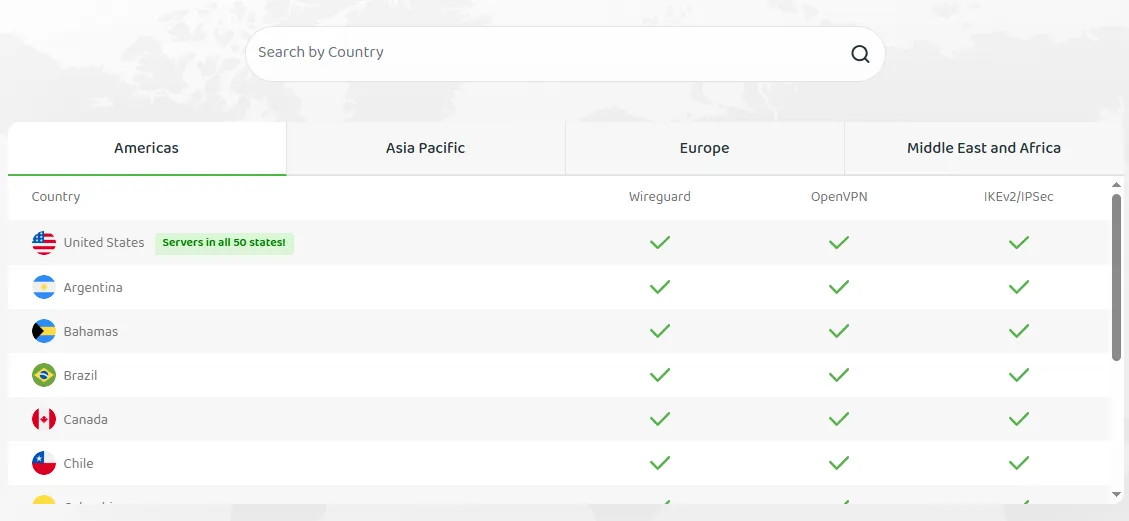
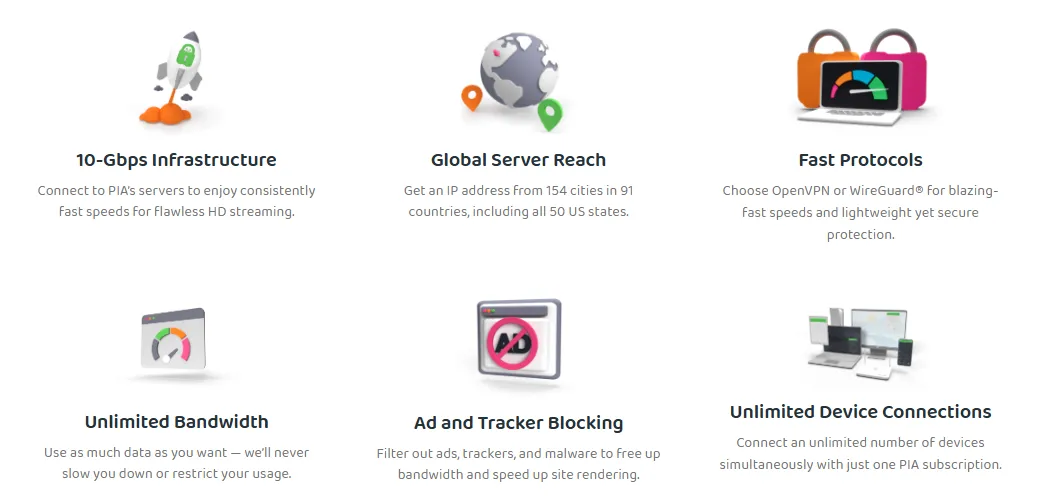
PIA operates over 30,000 servers in more than 91 countries worldwide, offering extensive global coverage. Users can easily find geographically close nodes with minimal latency, regardless of their location.
-
Geographic Distribution: The extensive coverage ensures users can access geo-restricted content globally, with ample servers available from North America to Europe, Asia, Africa, and South America.
-
Load Balancing: The vast number of servers effectively distributes user traffic, preventing slow connections or disconnections caused by a single server becoming overloaded.
2. Connection Protocol
PIA offers industry-leading protocol options, including:
-
WireGuard: This is PIA’s default and recommended protocol. WireGuard is known for its streamlined codebase and efficient encryption, providing strong security while achieving very low latency and extremely fast connection speeds, making it ideal for streaming and online gaming.
-
OpenVPN: Provides the highest level of encryption and security assurance, suitable for scenarios requiring maximum security, such as handling sensitive financial information or circumventing strict censorship.
-
IPSec/IKEv2: Primarily used on mobile devices (such as iOS) to provide a fast, reliable tunnel that maintains the connection even when switching networks.
3. Simultaneous Device Connections

One of PIA's most attractive selling points is support for an unlimited number of simultaneous device connections. A single subscription can be used on unlimited devices (phones, computers, tablets), allowing you to safely shop online while enjoying Netflix shows or the latest PS5 games.
4. Advanced Features
-
MACE Feature: This is a built-in ad, malware, and tracker blocking tool that works at the DNS level. It effectively prevents access to known malicious domains, improving both browsing experience and security.
-
SOCKS5 Proxy and Shadowsocks: Provides additional proxy options, particularly useful for bypassing certain network restrictions.
5. Dedicated IP Address
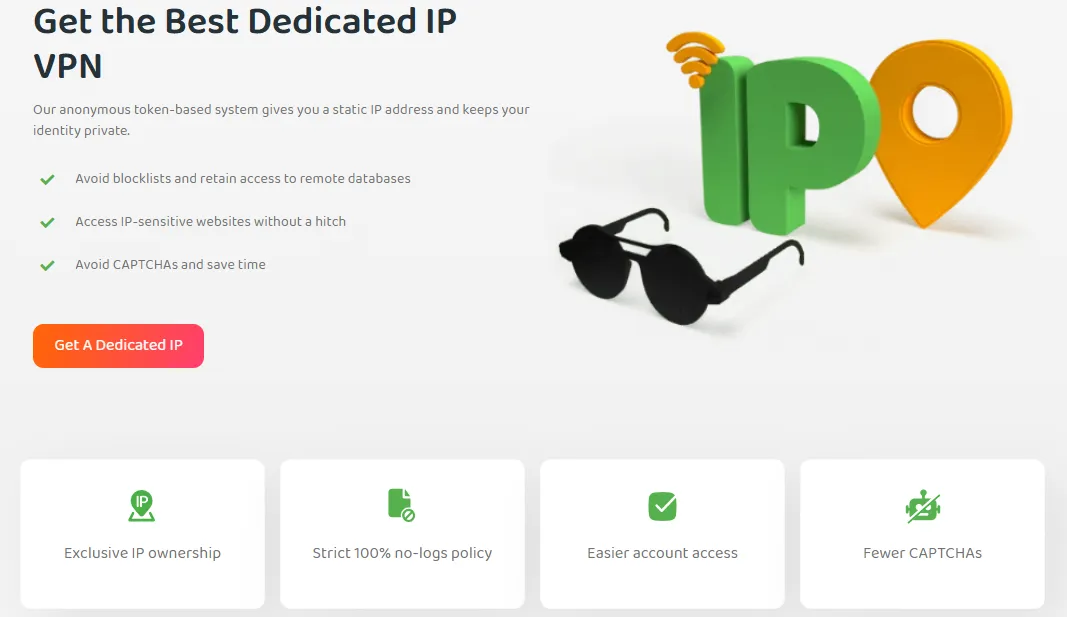
Although all PIA subscribers default to using shared, dynamic IP addresses, users can choose to purchase a Dedicated IP Address for an additional fee. A Dedicated IP means only you use that address, which offers significant advantages in specific scenarios.
Key Advantages of a Dedicated IP:
-
Reduced CAPTCHA Verification: Shared IPs are often flagged as suspicious traffic by websites, leading to frequent CAPTCHA pop-ups. A Dedicated IP is more trusted, significantly reducing verification frequency.
-
Bypassing IP Blacklists: A Dedicated IP is not affected by the suspicious activity of other users (like spamming or brute force attacks), thus avoiding blocks by streaming services, banks, or specific websites.
-
Secure Remote Access: Suitable for businesses or individuals who need a fixed IP address for whitelisting (authentication), ensuring the security and stability of remote work and server access.
-
Available Locations: PIA currently offers Dedicated IP addresses in the US, Canada, UK, Germany, Australia, and Singapore.
-
Payment: Dedicated IPs require an extra fee and are offered as an add-on service, with payment methods identical to the main subscription.
6. Ownership & Transparency: Navigating the Kape Technologies Debate
PIA is owned by Kape Technologies, which originally founded as Crossrider in 2011, has publicly acknowledged its past in the ad-tech industry to demonstrate transparency and highlight its complete pivot towards consumer digital privacy and security solutions.
- The Crossrider Past: Crossrider developed a platform that provided software development kits (SDKs) for third-party developers to create browser extensions and applications for PCs and Macs. These tools, unfortunately, were used by some developers to create "ad-injection" software that forcibly presented ads to users, often without clear consent.
-
The Pivot to Digital Privacy: In 2016, a new management team took over and decided to entirely exit the ad-tech business, formalizing this shift with the official rebranding to Kape Technologies in March 2018. The pivot was driven by the new leadership's desire to focus on the opposite of their previous business, leveraging their insights into how user data could be exploited to instead focus on protecting it. The current business model is centered on providing comprehensive digital security and privacy products on a subscription basis. This strategy has been executed through an aggressive "buy-and-build" approach via strategic acquisitions:
- VPN Services: Kape has acquired several major Virtual Private Network (VPN) providers, including CyberGhost, Private Internet Access (PIA), ZenMate, and ExpressVPN.
- Security Software: The company also owns other software brands focusing on end-point security and PC performance, such as Intego and Restoro.
- Vertical Integration: Kape's portfolio also includes various media and review websites (e.g., VPNMentor) which has drawn some criticism from competitors who point to potential conflicts of interest in their reviews.
Speed & Performance
Overall, PIA demonstrates excellent speed, with speed degradation being barely noticeable when connecting to nearby servers. Our test results show that PIA's nearby servers averaged a download speed reduction of about 14%, while distant servers averaged a reduction of about 49%. Crucially, the connection speed consistently met the demands for streaming HD and even 4K video.
1. Metrics & Baseline
Our testing focused on the following three key metrics:
-
Download Speed: The rate at which the user receives data from the server (in Mbps).
-
Upload Speed: The rate at which the user's device transmits data to the server (in Mbps).
-
Latency/Ping: The time required for a data packet to travel between the user's device and the server (in ms).
Our testing specialists, using the WireGuard protocol from the same location in the UK over several months, established the following baseline and average connection speeds:
|
Connection Location |
Ping (ms) |
Download Speed (Mbps) |
Upload Speed (Mbps) |
Download Speed Drop |
|
No VPN (Baseline - London, UK) |
6 |
123.28 |
18.35 |
- |
|
Near-Distance - Southampton, UK |
8 |
114.71 |
17.41 |
7% |
|
Near-Distance - Paris, France |
16 |
115.01 |
17.51 |
7% |
|
Mid-Distance - Ukraine |
- |
102.63 |
- |
17% |
|
Long-Distance - New York, US |
79 |
114.16 |
17.62 |
7% |
|
Long-Distance - Los Angeles, US |
151 |
42.86 |
16.68 |
65% |
|
Ultra-Long-Distance - India |
- |
25.89 |
- |
79% (Max Drop) |
2. Near-Distance Speed Results
Testing PIA's near-distance servers with the WireGuard protocol yielded outstanding results.
-
Local Connection Performance: Connecting to the Southampton server (UK) resulted in only about a 7% drop in download speed (114.71 Mbps). Users experienced smooth web browsing and video viewing.
-
Neighboring Country Test: Connecting to the adjacent Paris server (France) showed a speed (115.01 Mbps) slightly higher than Southampton, with Ping remaining at an acceptable 16 ms.
-
Mid-Distance Performance: Connecting to the Ukraine server, over 2,500 km away, still achieved 102.63 Mbps, a drop of only 17%. This confirms PIA’s efficiency for connections within the European region.
Conclusion: When connected to PIA's near- or mid-distance European servers, users will barely notice any slowdown, allowing for seamless video streaming and web browsing.
3. Long-Distance Speed Results
Generally, PIA's long-distance server speeds experience greater degradation but remain sufficient for HD streaming.
-
North America Connection Split: Testing servers on the US East and West coasts showed significant differences. Connecting to the New York server performed exceptionally well, maintaining 114.16 Mbps. However, the speed plummeted by 65% to 42.86 Mbps when connecting to the Los Angeles server. Despite the drop, 42.86 Mbps is still far above the required bandwidth for HD video.
-
Asia and South America Connections: Speed degradation was greater when connecting to servers like Brazil, India, Japan, and Australia. The India server showed the maximum speed drop at 79%.
Conclusion: While speed loss is noticeable for ultra-long-distance servers, our testers never recorded a connection speed below 27 Mbps across all tests. This indicates that even with the greatest speed reduction, it is still sufficient for high-definition (HD) or 4K streaming.
4. Gaming Performance and Latency
PIA's performance in gaming is reliable, and its low-latency advantage is particularly evident when connecting to nearby servers.
-
Excellent Local Connection Performance: In practical tests, connecting to the optimal local server for competitive games like Counter-Strike: Global Offensive resulted in fast loading and a lag-free experience, with Ping as low as 6 ms.
-
Increased Long-Distance Latency: Latency significantly increases when testing more distant nodes. For instance, connecting to the New York server (US) measured a Ping of 79 ms, which increased game loading times and led to a noticeable lag during gameplay. For a smooth competitive gaming experience, Ping is ideally kept below 60 ms.
-
Ultra-Long-Distance Connection Limitation: For extremely distant servers (e.g., Los Angeles on the West Coast, 151 ms), latency further deteriorates, making games essentially unplayable.
- Gamer-Friendly Feature: The PIA client intuitively displays real-time Ping values in the server list, allowing gamers to quickly and easily select the fastest, lowest-latency node for their needs.
Privacy & Security
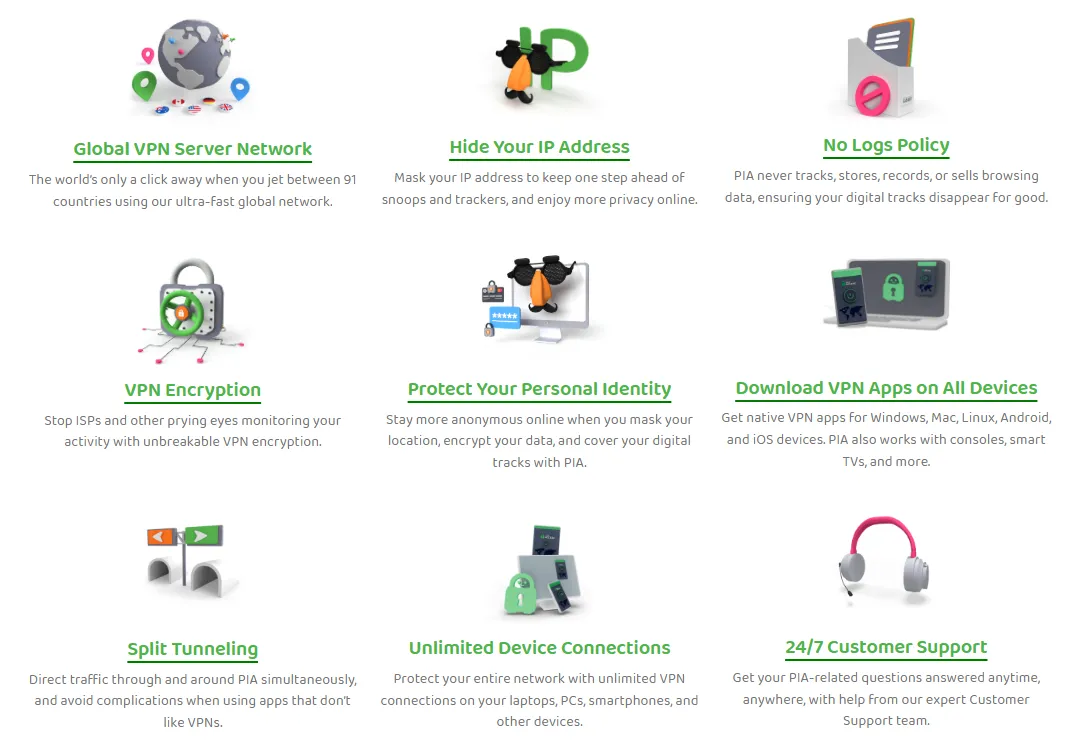
PIA possesses all the standard security features essential for a paid VPN, while also offering rich customization options and a verified privacy protection mechanism.
1. Core Encryption & Protocol Support
PIA provides the highest level of Military-Grade Encryption and allows users to choose their protocol and encryption strength:
-
Data Encryption Algorithm: The default and recommended standard is AES-256 GCM, ensuring the highest security for data transmission.
-
OpenVPN Protocol: Defaults to 128-bit encryption, though we strongly recommend users manually upgrade to 256-bit.
-
WireGuard Protocol: Always uses 256-bit encryption and employs the faster, more secure ChaCha20 authenticated encryption technology.
-
Protocol Options: PIA offers WireGuard and OpenVPN, the two safest and most mainstream protocols. The iOS application additionally provides the IPSec protocol, which is less secure than the former two.
-
Port Forwarding: Supports configuring remote and local ports for TCP and UDP protocols, helping improve P2P connection efficiency (though this feature is disabled on US servers).
-
Open-Source Client: All of PIA's client applications (including Windows, macOS, and mobile) are open-source. This means any security expert can review its code to ensure there are no backdoors or privacy vulnerabilities, providing unparalleled transparency and trust for users.
2. Privacy Policy & Court Verification
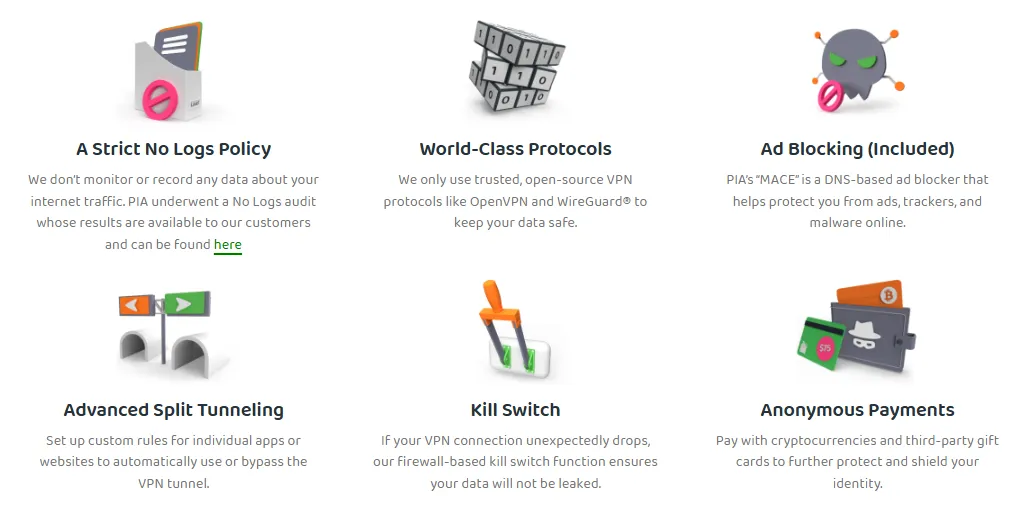
PIA places privacy first, strictly enforcing a zero-logs policy, which has been publicly verified multiple times:
-
No-Logs Policy: PIA commits to not storing any user-identifying information, online activities, IP addresses, or connection times.
-
RAM-Only Servers: PIA's entire server network operates purely on RAM. Servers are regularly rebooted, which completely wipes all user data, technically ensuring the implementation of the zero-logs policy.
-
Court Verification & Audits: In 2016 and 2018, the US government twice requested user data from PIA, but PIA was unable to provide any relevant information because none was retained. This proved the authenticity of its no-logs policy. In 2022, PIA underwent an independent audit by Deloitte, which confirmed that PIA’s server configurations comply with its internal privacy policy of not storing logs.
-
Headquarters Jurisdiction: Despite being headquartered in the US (a core Five Eyes Alliance country), its repeatedly verified no-logs policy makes it a reliable choice for privacy protection.
-
Anonymous Purchase: PIA supports payment using cryptocurrency.

3. Essential Security Features
-
Leak Protection: PIA offers comprehensive DNS, WebRTC, and IP leak protection by default. Testing showed that users' true IP addresses and DNS requests were reliably masked, with no data leaks occurring.
-
Kill Switch: PIA provides a standard Kill Switch and an Advanced Kill Switch. When the VPN connection unexpectedly drops, it immediately cuts all network traffic, preventing accidental exposure of the user's real IP address and data. It is available on Windows, Mac, Linux, Android, and iOS devices.
-
Split Tunneling: This feature allows users to route specific traffic outside the VPN tunnel while sending other high-risk or high-volume activity through the VPN, achieving a balance between security and speed. This feature is available on Windows, Mac, Linux, and Android, but not currently supported on iOS.
4. Add-ons & Obfuscation
-
Multi-hop and Traffic Obfuscation: Allows traffic to be routed twice through a SOCKS5 or Shadowsocks proxy and then the VPN server, significantly enhancing security and anonymity.
-
MACE Ad Blocker: PIA's "MACE" is a DNS-based ad blocker that helps block online ads, trackers, and malware.
-
Identity Guard: This feature periodically checks if the user's email address has appeared in known third-party data breaches.
-
InBrowser (Private Browser): Designed for mobile devices, it automatically clears user activity and history every time the app is exited.
-
PIA Antivirus: Available as an optional paid add-on service, it provides real-time protection and malicious website blocking.
Streaming Unblocking
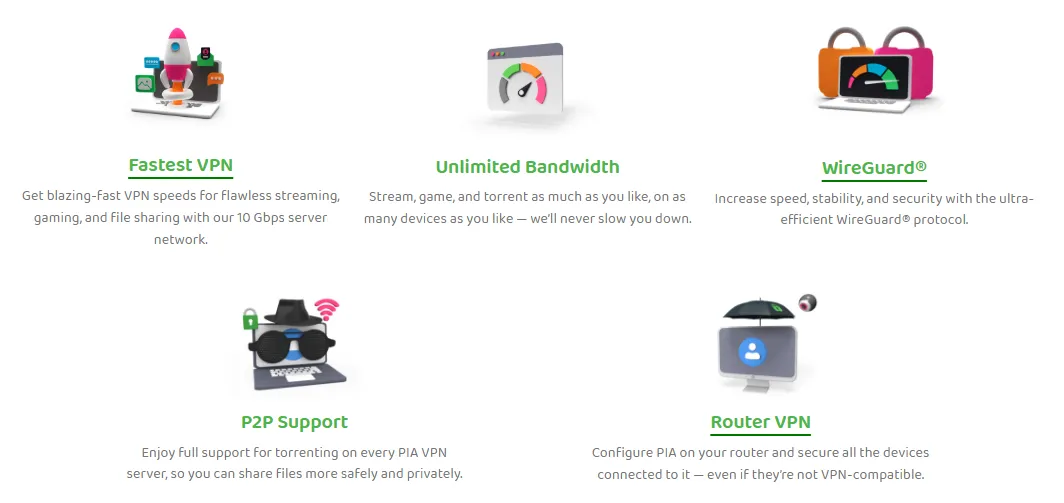
PIA excels at streaming unblocking. Verified by a global team, PIA successfully accesses over 30 mainstream audio/video services, including as many as 17 Netflix regional libraries.
1. Netflix Unblocking

PIA reliably unblocks multiple Netflix libraries worldwide. Our testers, upon connecting to PIA's specialized streaming servers, were easily able to access Netflix content from popular regions including the US, UK, Japan, Germany, and Canada.
2. Other Streaming Platforms
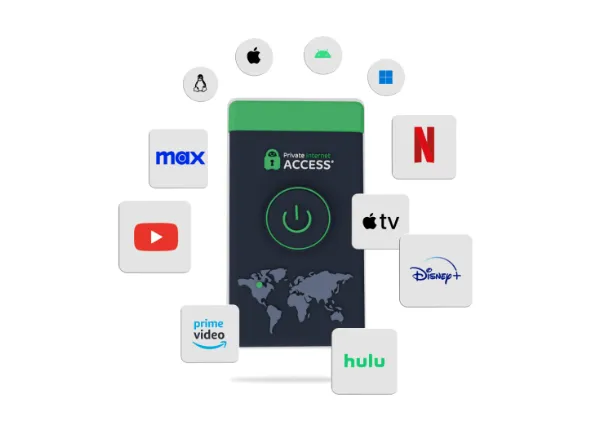
PIA offers broad support for other major streaming services:
-
High Success Rate: Platforms like Disney+, HBO Max (Max), Hulu, Amazon Prime Video, BBC iPlayer, Crunchyroll, and YouTube TV can be reliably accessed via PIA.
-
Dedicated Servers Required: For platforms with stricter VPN detection, such as Hulu and Amazon Prime Video, testing showed that connecting to PIA's dedicated streaming servers was necessary to guarantee successful viewing.
-
Special Cases: PIA struggles to unblock niche or highly restricted platforms like DAZN and Sky Go.
3. P2P File Sharing & Torrenting
PIA provides strong support for P2P traffic, making it one of the best VPNs for torrenting.
-
P2P Support on All Servers: PIA allows torrenting on every server in its massive network, which spans over 35,000 servers across 91 countries. This vast selection helps users find nearby servers to maintain fast download speeds and avoid network congestion. Users do not need to switch to specific "torrenting-only" servers, as all of PIA's servers support P2P traffic, greatly simplifying the process.
-
Advanced Optimization Tools:
-
Port Forwarding: This feature allows direct connections with more peers in a torrent swarm, which can significantly increase upload speeds and download efficiency. PIA simplifies this process by integrating the feature directly into its VPN apps on select servers. Allows users to connect to more seeders, significantly boosting download speeds and efficiency (Note: this feature is disabled on US servers).
-
SOCKS5 Proxy: For users prioritizing speed over full encryption (when security isn't the primary concern), the included SOCKS5 proxy can boost download speeds. It changes the user's virtual location while still masking their IP address from other peers in the swarm.
-
-
Proven No-Logs Policy: PIA operates under a strict, independently audited no-logs policy, meaning it does not track, record, or store user activity or connection data. This policy has been tested and proven in real-world court cases, offering a high level of anonymity crucial for torrenting.
-
Unlimited Bandwidth & Connections: PIA offers unlimited data and bandwidth, preventing ISP throttling during large downloads. A single subscription also covers an unlimited number of devices simultaneously, offering great value for multiple users or devices.
- Essential Security Features To protect users from potential risks (hackers, ISP monitoring, copyright trolls), PIA includes core security measures:
- Military-Grade Encryption Protects all internet traffic, making it unreadable to third parties.
- Automatic Kill Switch This feature instantly cuts the internet connection if the VPN drops unexpectedly, preventing the user's real IP address from being exposed during a download.
- DNS/IP Leak Protection Ensures the user's true location and identity are securely hidden at all times.
-
Customization: The service is highly configurable with features like split tunneling, which allows users to route only the torrent client's traffic through the VPN while other apps use the regular internet connection. The apps are also 100% open-source, allowing anyone to inspect the code for privacy and security.
Private Internet Access (PIA) is considered a "torrenting powerhouse" because it combines strong security and privacy features with specific tools designed to optimize the P2P (peer-to-peer) file-sharing experience.
Note: PIA strictly enforces its no-logs policy. Users are responsible for complying with local laws and the terms of service of the streaming platforms they access.
Client Installation & Setup
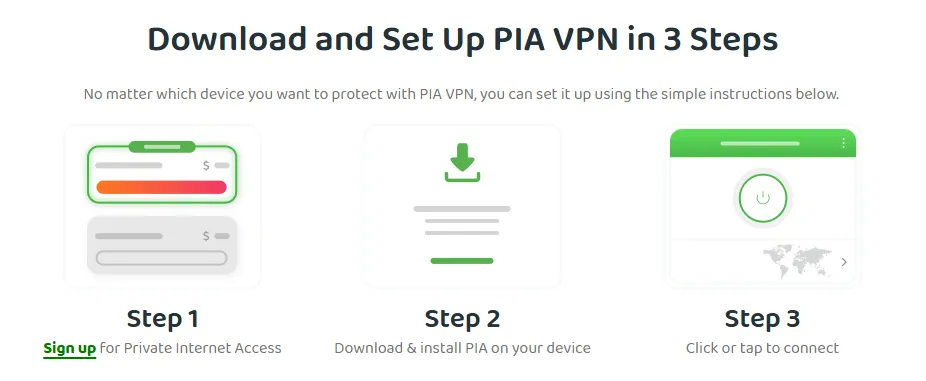
1. Quick Guide: 3 Steps to Installation
Installing and setting up the PIA client on your device is fast and simple:
-
Select and Subscribe: Visit the official PIA website, choose a subscription plan, and complete the payment. All plans come with a 30-day money-back guarantee.
-
Download and Install the App: PIA provides dedicated applications for Windows, macOS, Linux, Android, and iOS systems.
-
Connect to a Server: Click the prominent "Connect" button on the app's main interface, and the VPN will automatically connect to the optimal server.
2. Client Installation Process
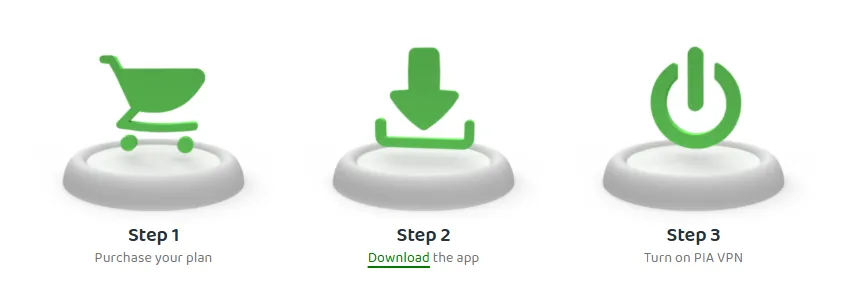
PIA provides fully functional native applications for all major platforms:
-
Desktop Systems (Windows/macOS/Linux): After downloading the installer, installation is completed with just a few clicks. PIA is one of the few VPNs that offers a full Graphical User Interface (GUI) for Linux.
-
Mobile Devices (iOS/Android): Download the app from the official website or the respective app store and log in to use it. Android users can also install via an APK file.
3. Client Design & Connection
PIA's application interface is clean and intuitive:
-
Simple Connection: The main interface's power button allows for one-click connection.
-
Smart Server Selection: The server list clearly displays the latency of each server, making it easy for users to quickly identify and connect to the fastest or closest node for gaming.
-
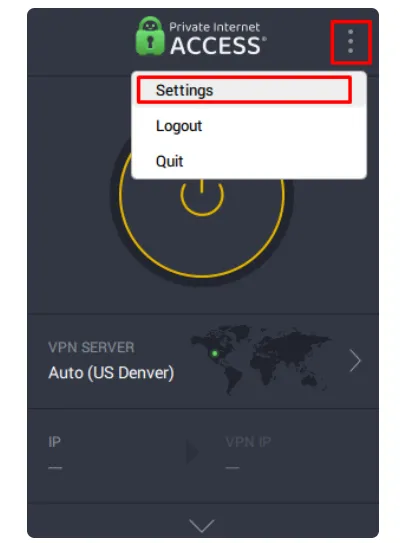
Settings Options: The "Settings" menu provides rich customization options, including auto-connect rules, protocol selection, encryption level adjustments, and DNS settings.
Device Compatibility
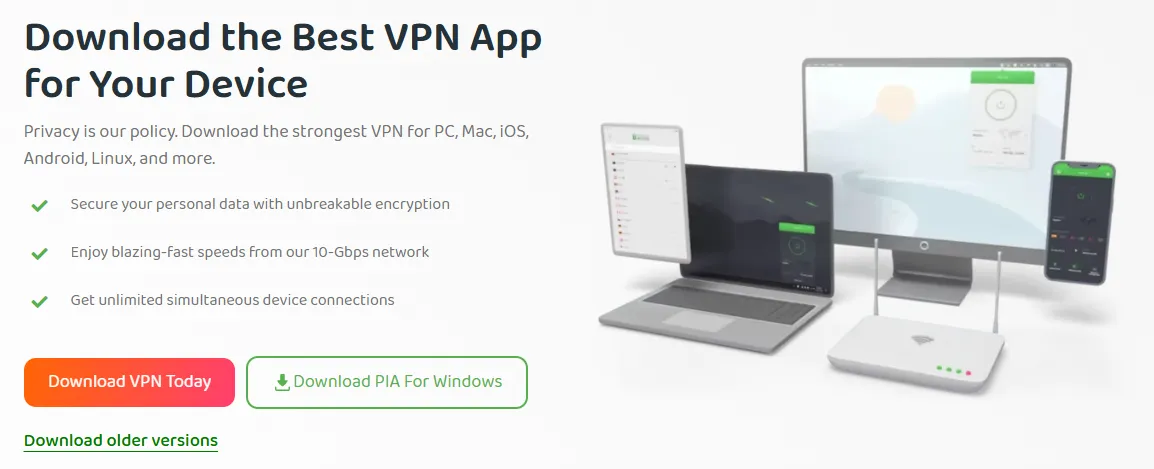
PIA offers one of the most comprehensive ranges of device compatibility on the market.
1. Desktop and Mobile Device Applications
|
Platform |
Key Features |
Special Features |
|
Windows |
Intuitive interface, most complete feature set, supports split tunneling and the Advanced Kill Switch. |
Full feature set. |
|
macOS |
The interface is similar to the Windows version, but Split Tunneling is currently unsupported. |
Provides a complete Graphical User Interface (GUI). |
|
Linux |
Offers a complete Graphical User Interface (GUI), with features essentially the same as the Windows version. |
Strong ease of use. |
|
Android |
Feature-rich, supports split tunneling (set by application) and the MACE ad blocker. |
Offers a 7-day free trial. |
|
iOS |
Feature-rich, supports the IPSec protocol and Siri voice commands. It does not have MACE, but includes a similar Safari Content Blocker. |
Offers a 7-day free trial. |
2. Browser Extensions & Private Browser
-
Browser Extensions: PIA provides extensions for Chrome, Firefox, and Opera. They offer unique security options not available in the full application, such as blocking WebRTC IP detection and forcing HTTPS.
-
InBrowser Private Browser: A private browser designed for Android and iOS that automatically clears user activity and history upon exit.
3. Gaming Consoles & Streaming Device Compatibility
-
Native Support: PIA offers native applications for Android TV and Amazon Fire TV Stick/Fire TV.
-
SmartDNS: For devices that do not support native VPN applications (such as PlayStation, Xbox, Apple TV, etc.), PIA offers a SmartDNS feature. SmartDNS can be used to unblock geo-restrictions on streaming platforms, but it does not provide encryption protection.
4. Router Compatibility
PIA is compatible with almost all routers that support the OpenVPN protocol, such as TP-Link, DD-WRT, and Tomato. By setting up PIA on the router, all devices on the home network can connect to the VPN.
Pricing & Value

1. Subscription Plans and Payment Options
PIA's pricing structure is clear, designed to offer exceptional value for long-term users.
|
Subscription Plan |
Price (Monthly Equivalent) |
Total Price (Reference) |
Renewal |
|
3 Years + 4 Months |
$1.98/month |
$79 |
Automatically renews every 3 years at $79. |
|
1 Year |
$3.33/month |
$39.95 |
The first year is $39.95, and then automatically renews annually at $49.99. |
|
1 Month |
$11.95/month |
$11.95 |
Automatically renews monthly at $11.95. |
All plans include a 30-day money-back guarantee. PIA supports credit card, PayPal, Google Pay, and iTunes payments, and also allows for anonymous payment using cryptocurrency or retail store gift cards.
2. 30-Day Money-Back Guarantee
PIA's 30-day money-back guarantee is verified and reliable. In our tests, we applied for a refund via live chat support, and the agent, after a brief inquiry, immediately initiated the refund process. The entire communication was highly efficient, and the full refund was received within 3 business days.
3. Value Analysis
Compared to other top-tier VPN brands, PIA stands out with its highly competitive long-term pricing. It combines flagship security features (like the open-source client and verified no-logs policy) with powerful utility (an unlimited device connection limit). Considering its excellent performance and security capabilities, PIA is undoubtedly one of the best value VPNs on the market.
Customer Support & Service
1. 24/7 Live Chat Support
Live Chat is PIA's fastest support channel. Users can connect to a representative in less than a minute directly through the website or app, without needing personal identification. Agents efficiently handle complex issues, from technical troubleshooting to successful refund initiation, typically completing the refund process within 3 business days.
2. Email Support
Email support is available for non-urgent technical issues or complex inquiries that require detailed descriptions, screenshots, or file attachments (e.g., fault reports or complex account questions). Although slower than Live Chat, users usually receive a professional, written response from a technical expert within 24 hours.
3. Knowledge Base & Guides

PIA offers an extensive Online Knowledge Base for self-service support. It contains hundreds of articles, FAQs, and step-by-step tutorials covering installation, advanced settings, protocol configuration, and troubleshooting for all clients.
Conclusion
Private Internet Access (PIA) VPN is a feature-rich, privacy-focused, and affordable top-tier VPN service. It combines military-grade encryption, a verified no-logs policy, and the lightning-fast performance delivered by the WireGuard protocol. For users seeking extreme value, needing to protect a large number of devices, and who highly prioritize P2P/Torrenting privacy and security, PIA is a powerful and trustworthy choice.
Frequently Asked Questions (FAQ)
Q1: Can I try PIA for free?
A: Yes.
All products purchased from PIA are covered by a 30-day money-back guarantee, giving you ample time to determine if our VPN is right for you. PIA VPN also offers a 7-day free trial period for the iOS and Android mobile applications.
Q2: How good is PIA VPN? Is it safe?
A: PIA's security performance meets the highest industry standards.
It uses unbreakable AES-256 encryption technology to secure data transmission. What's more trustworthy is that PIA's client is open-source, allowing its source code to be publicly audited, demonstrating extremely high transparency. Although its headquarters are in the US, its strict no-logs policy has been confirmed by an independent third-party security audit, and it allows users to flexibly switch between speed and encryption strength based on personal preference.
Q3: Does PIA support torrenting (P2P file sharing)?
A: PIA is one of the top VPNs that supports P2P file sharing.
It allows torrenting on all servers and has a verified zero-logs policy and a reliable Kill Switch to ensure high anonymity during the download process. To further boost download efficiency, PIA also provides advanced optimization tools like the SOCKS5 proxy and Port Forwarding.
Q4: Does PIA have a Chrome browser extension?
A: PIA provides browser extensions for Chrome, Firefox, and Opera.
It is important to differentiate: these extensions function only as an encrypted proxy; they can change your virtual geolocation and provide basic privacy protection, but will not encrypt the traffic for your entire device. Therefore, for sensitive activities (like banking transactions), it is recommended to use PIA's full VPN application. The advantage of the browser extension is that it is lightweight, convenient, and has unique security features, such as blocking WebRTC leaks and forcing HTTPS connections.
Q5: How reliable is PIA's Kill Switch?
A: PIA provides a standard Kill Switch and an Advanced Kill Switch. When the VPN connection unexpectedly drops, it immediately cuts all network traffic, preventing accidental exposure of the user's real IP address and data. It is available on Windows, Mac, Linux, Android, and iOS devices.
PS: All images in this article are from PIA's official website, and the copyright belongs to PIA.